21
When an external expansion battery is needed, please follow Step 8 and Step
9:
Step 8. Please use the prepared wire to connect the M12-100/P(M12-200/H)
interface on the ECO and M12-100/P(M12-200/H) lithium battery;
Step 9. Please use the prepared wire to connect the M12-100/P(M12-200/H)
COM port on the ECO and the Link In port on the M12-100/P(M12-
200/H) lithium battery.
3.6 Operation
3.6.1 Turn on/off the system
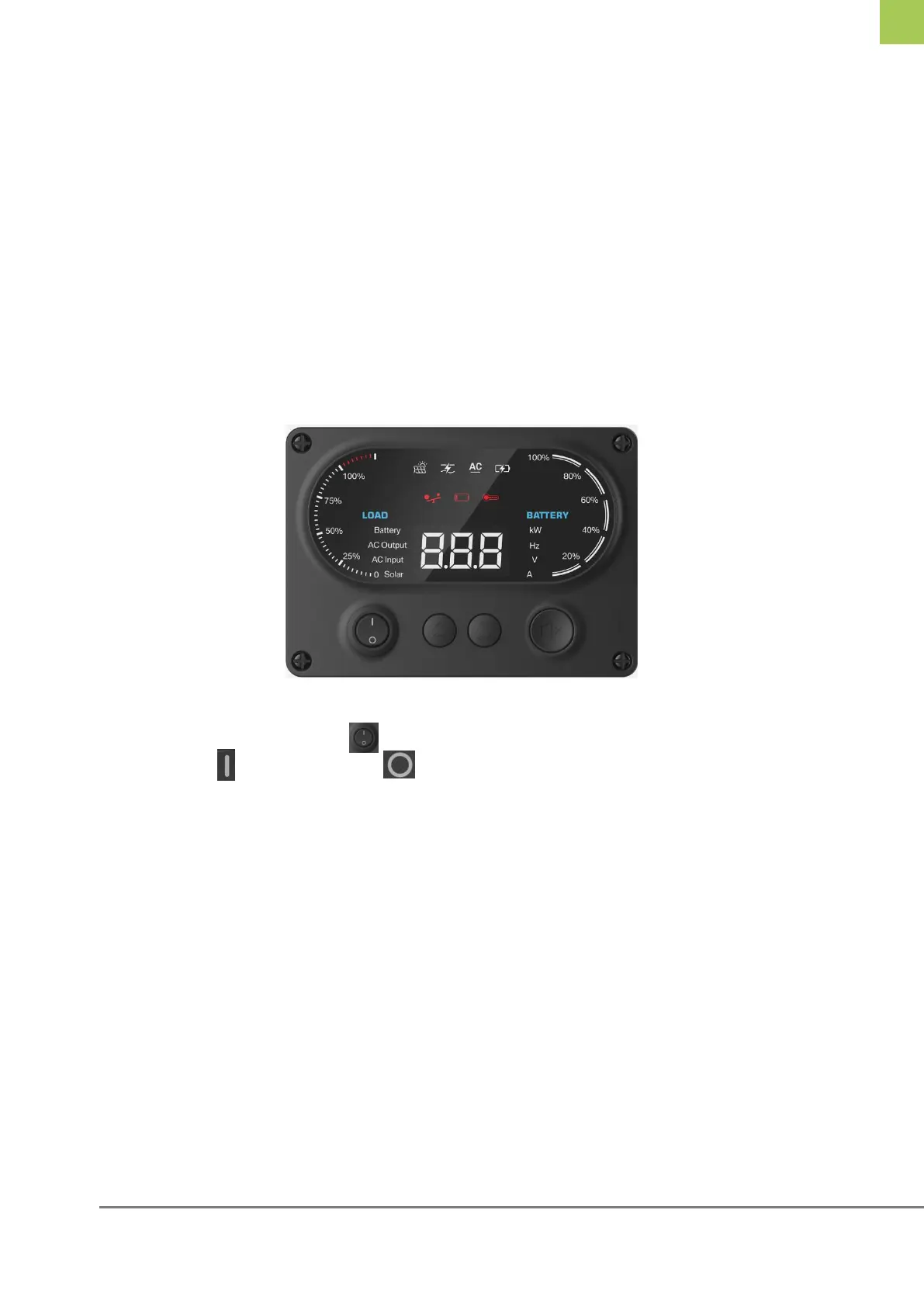
Use the rocker switch on the MEZ to turn the system on and off.
Press to turn on, press to turn off.
Note: After the switch is turned on, the Run, ALARM, and SOC lights will
flash in turn. After about 8s, the system will have DC output and MEZ will
start to work. When the inverter starts, there will be AC output.
Figure 3-3 Turn on/off the system



 To Next Page