13
EN
If local regulations or your personal discretion call for securing AB2000S to
a wall, the included mounting hardware can be used. It is recommended to
secure your AB2000S in place with the included hardware, especially if you
have multiple batteries stacked on top of each other.
6.3 Mounting Your AB2000S
1
2
3
4
5
6
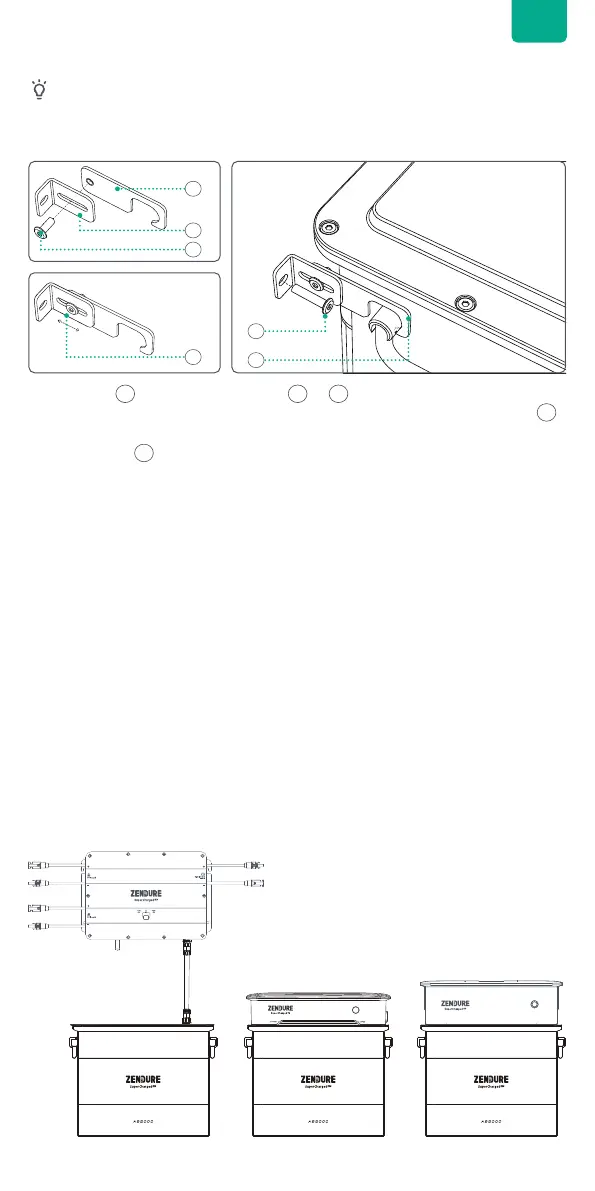
• Screw bolt into the hole on parts & .
• After inserting, adjusting the distance from the wall between AB2000S via
as needed.
• Put the notch on the handle of AB2000S to mount the AB2000S in place.
1 2
4
5
3
6.4 Connect with PV Hub, Hyper 2000 and Ace 1500
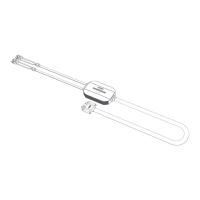
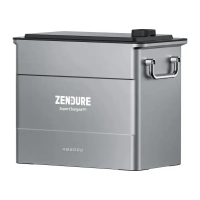
PV Hub, Hyper 2000 and Ace 1500 can be connected to an AB2000S for
capacity expansion. Refer to the user manual of the PV Hub for detailed
instructions.
Tips:
• It's recommended that PV Hub, Hyper 2000 and Ace 1500 are turned off
before connection. Do not connect these products to the battery during
charging/discharging process.
• For PV hub, make sure to tighten the screw nut after connecting the
battery cable.
• The battery LED light will show up after connection, then you can
start charging or discharging.
• Make sure the connection between the devices and battery is right. A
bad connection can affect the device's performance or lead to a re.
• Do not touch the metal pins of the ports with your hands or other
objects. Gently clean them with a dry cloth when necessary.


 To Next Page