EasyManua.ls Logo

ZENEC ZE-DAB60 - Connection Diagrams

ZENEC ZE-DAB60
52 pages
Print Icon
To Next Page IconTo Next Page
To Previous Page IconTo Previous Page
Loading...
6
NOTE:
If you want to connect the ZE-DAB60 to a non-compatible headunit or moni-
tor, you need to use the optional accessory set ZENEC “N-ZEDAB60-ACC”,
which is available separately.
Please consult the dealer, where you have purchased the ZE-DAB60, to buy
the accessory set.
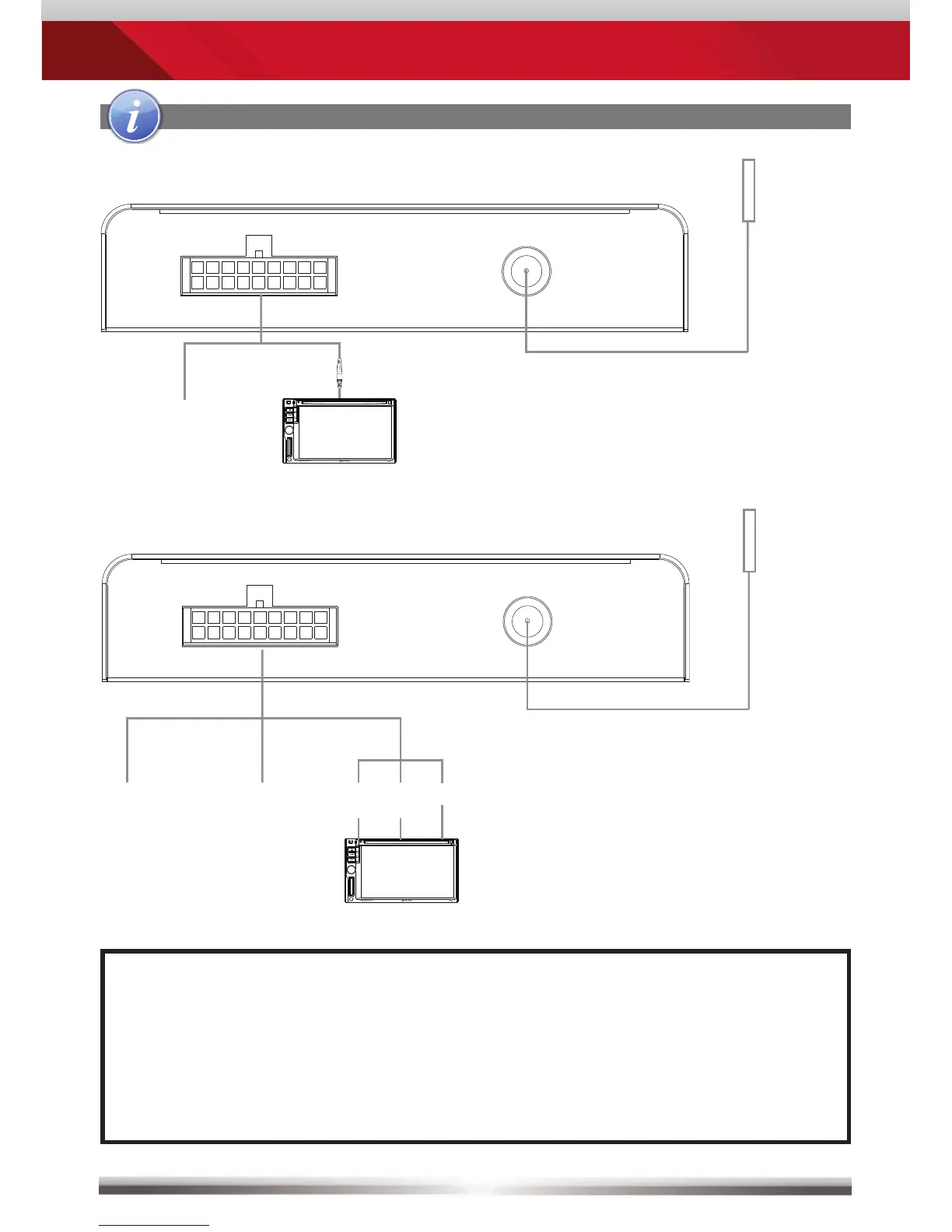
CONNECTIONS/INSTALLATION

Connect to a compatible ZENEC headunit
Connect to other devices
External
IR
receiver
FRONT
REAR
Antenna
Power/AV/IR Port
Reset
Power/AV/IR Port
USBPower LED
+12V
ACC
GND
Headunit
Video
Audio
R
Audio
L
DAB
antenna
FRONT
REAR
Antenna
Power/AV/IR Port
Reset
Power/AV/IR Port
USBPower LED
+12V
ACC
GND
Headunit
DAB
antenna