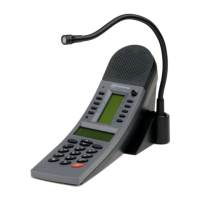
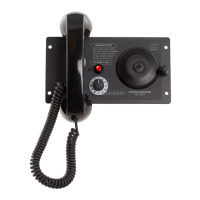
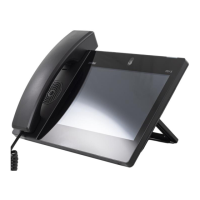
This document serves as an installation guide for the ITSV-5 HD IP Video
Phone.
For more information and instructions on configuration of the ITSV-5 go to
https://wiki.zenitel.com/wiki/ITSV-5
The ITSV-5 product package comprises the following components:
About
Safety information
NB! Please DO NOT power cycle the ITSV-5 during system boot up
or firmware upgrade. You may corrupt firmware images and cause
the unit to malfunction.
NB! Use only the power adapter included in the ITSV-5 package.
Using an alternative non-qualified power adapter may possibly
damage the unit.
Zenitel takes no responsibility for damages caused by improper or
inadequate installation.
Item Number Item Name Description
1490005010 ITSV-5 HD IP Video Phone with 5” Screen
1490009007 Wall Mount Bracket for ITSV-5
Description
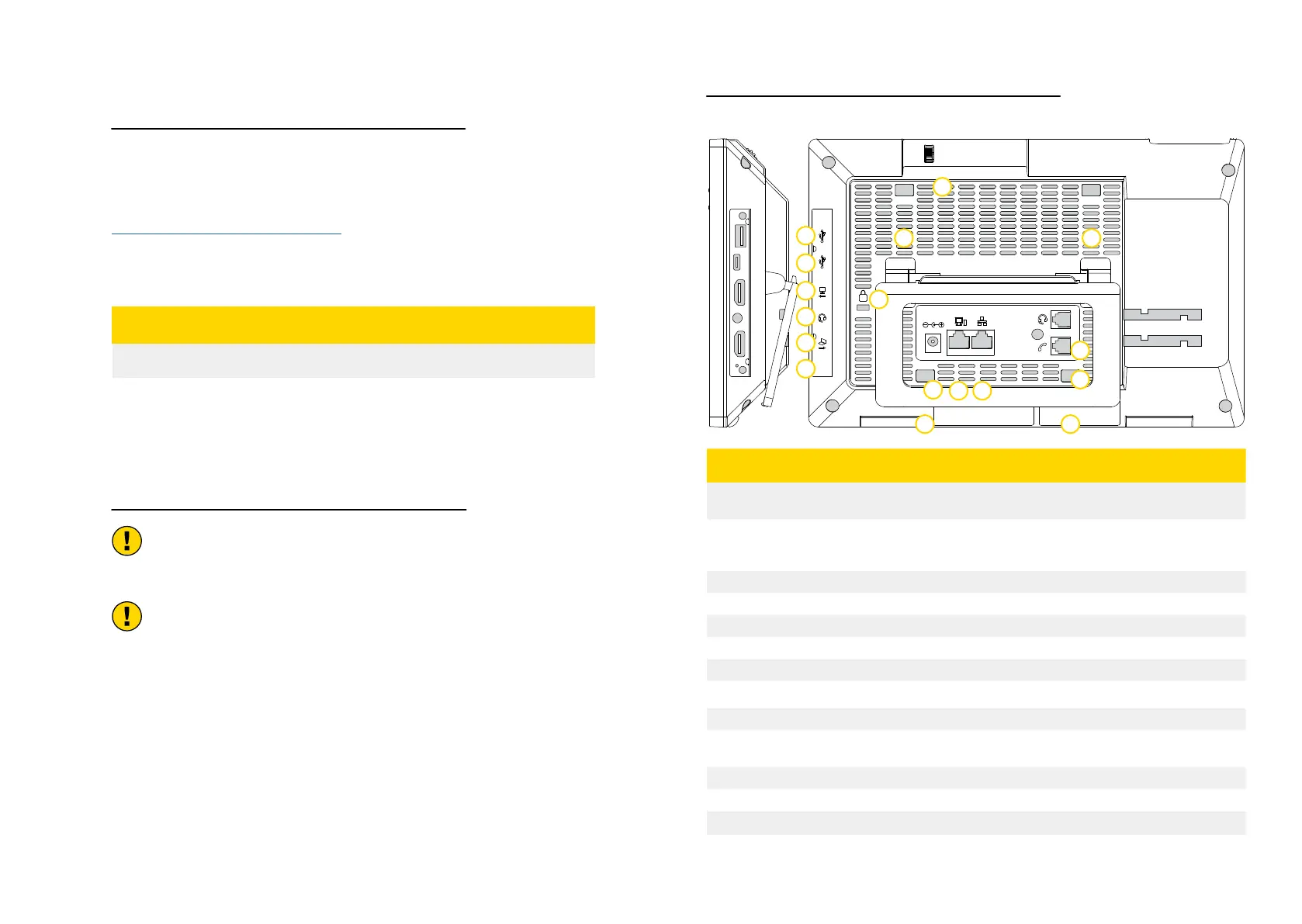
Rear View
DC12V
K
RESET
Item Name Description
1
USB 3.0 Port
USB devices can be connected via the USB port. For example,
connect a USB flash drive to save captured pictures
2
Type-C Port
Used for USB Device mode. Connect the ITSV-5 to a USB Host
device, such as a PC, the ITSV-5 will act as its USB external audio
device.
3
HDMI Out Port Connect to HDMI input devices (e.g., TV)
4
3.5mm Headset Port Connect 3.5mm headset
5
HDMI In Port Connect presentation device (e.g., a laptop).
6
Reset
7
Kensington Lock
8
Power 12VDC Power connector port
9
PC Port 10/100/1000Mbps RJ-45 port connecting to PC.
10
LAN Port
10/100/1000Mbps RJ-45 port connecting to Ethernet. PoE/PoE+
is supported.
11
Handset Port RJ9 handset connector port
12
RJ9 Headset Port RJ9 headset connector port
13
Camera Adjusting Wheel Scroll up/down to adjust the camera angle
14
Slots For Wall Mount and
Phone Stand
1
2
3
4
5
6
7
8
9
10
11
12
13
14 14
14 14


 To Next Page