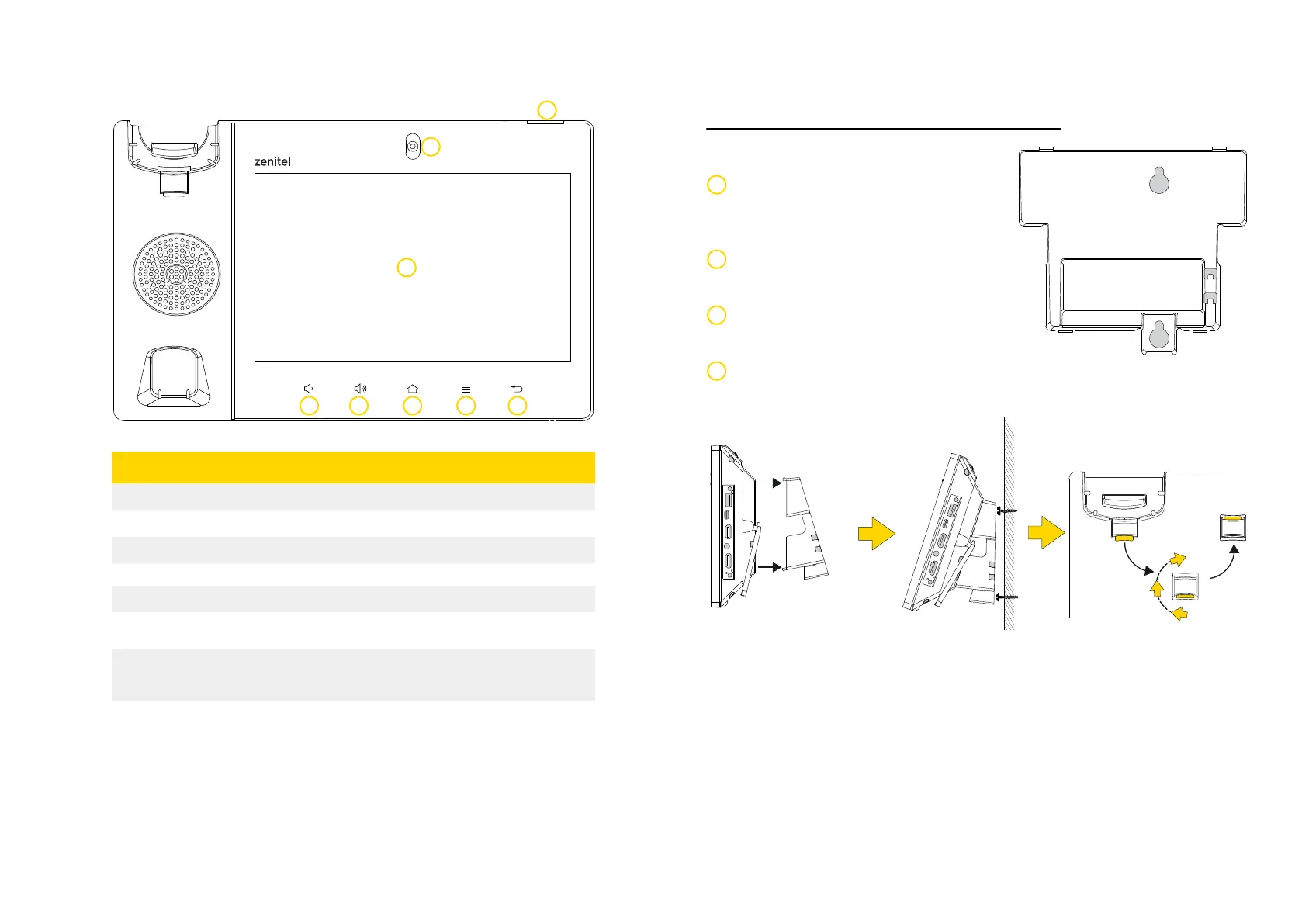
Front View
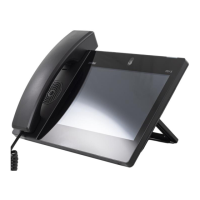
ITSV-5
Item Name Description
1
Volume Down
2
Volume Up
3
Home
4
Menu
5
Back
6
Message Waiting
indicator
To indicate message status, call status and phone’s sys-
tem status using the LED indicator.
7
Camera
Mega pixel front camera. The angle can be adjusted, and
the camera can be blocked by scrolling
up/down the wheel on the back of the camera
8
LCD
8″ (1280×800) capacitive (10 points) IPS LCD touch
screen
1 2 3 4 5
6
7
Phone Setup
Mounting the Phone
Attach the Wall Mount Bracket for ITSV-5
(item no. 1490009007) to the slots for wall
mount spacers on the back of the phone.
Attach the phone to the wall via the wall
mount holes.
Pull out the tab from the handset cradle (see
figure below).
Rotate the tab and plug it back into the slot with the extension up to hold
the handset while the phone is mounted on the wall.
1
2
3
4
8


 To Next Page