18
Operation
1. Press the menu button and then use
D / E
button to select the Picture menu.
2. Press the G button and then use
D / E
button to select DRP .
3. Use the F / G button to select Clear or Soft.
4. Press the exit button to save and return to TV viewing.
DRP
DRP
(Digital Reality picture)
(Digital Reality picture)
- Improves picture outline in dark areas.
• Picture format Zoom is not available in Component and RGB-PC mode.
Picture
DE F G Â
MENU EXIT
EZ Video User
ACC User
DRP Clear
- You can adjust red, green, or blue to any color temperature you prefer.
1. Press the menu button and then use
D / E
button to select the Picture
menu.
2. Press the
G button and then use
D / E
button to select ACC .
3. Press the enter button and then use
D / E
button to select Red,
Green or Blue.
4. Use the
F / G button to make appropriate adjustments.
• The adjustment range of Red, Green, and Blue is 0 ~100.
5. Press the exit button to save and return to TV viewing.
Manual Color
Manual Color
T
T
emperature Control (
emperature Control (User
option)
option)
Picture
Red 50
Green 50
Blue 50
EZ Video User
ACC User
DRP Clear
DE F G Â
MENU EXIT
Picture Menu Options Continued
Picture Menu Options Continued
Picture Format Setup
Picture Format Setup
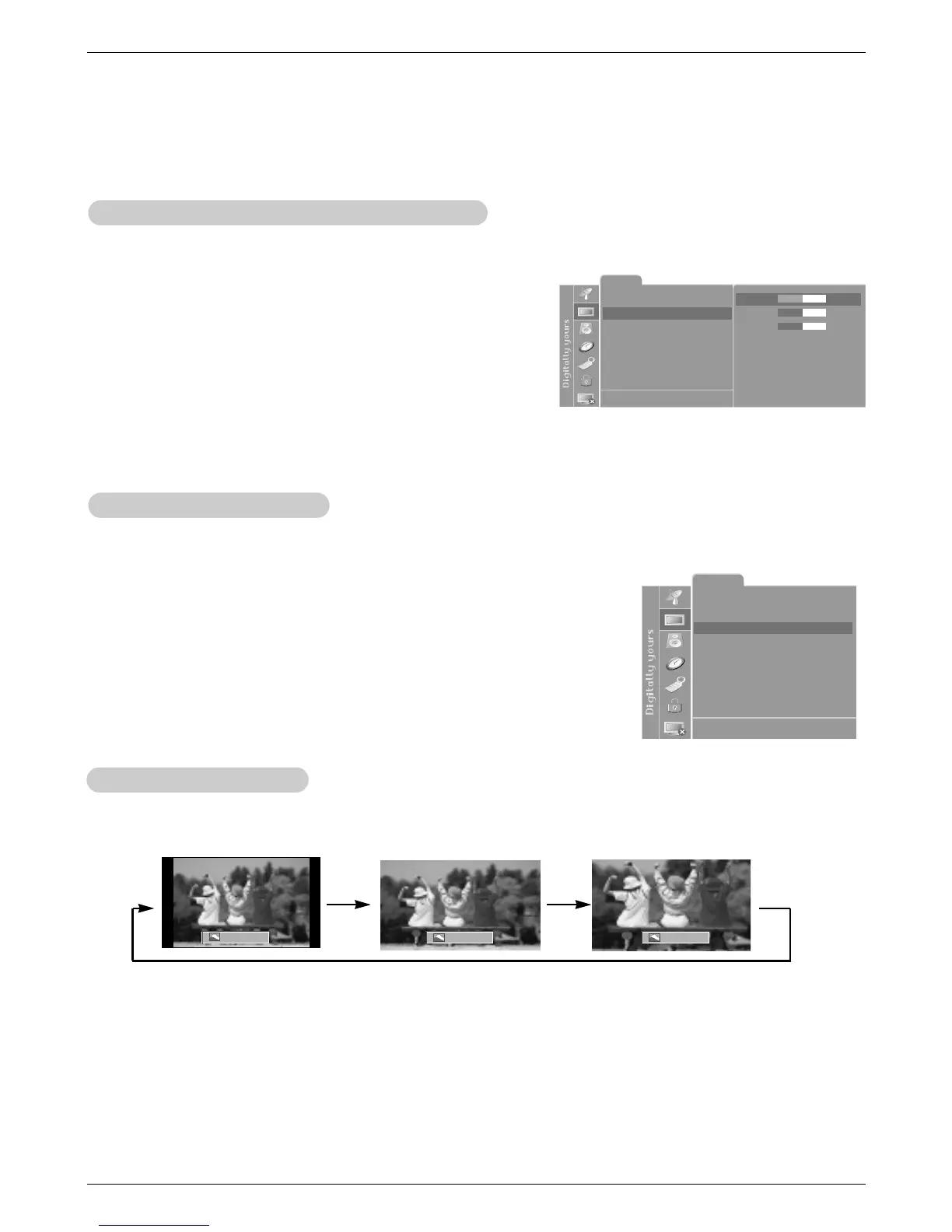
1. Press the arc button repeatedly to select the desired picture format.
ARC 4 : 3 ARC Wide ARC Zoom



 To Next Page