29
Operation
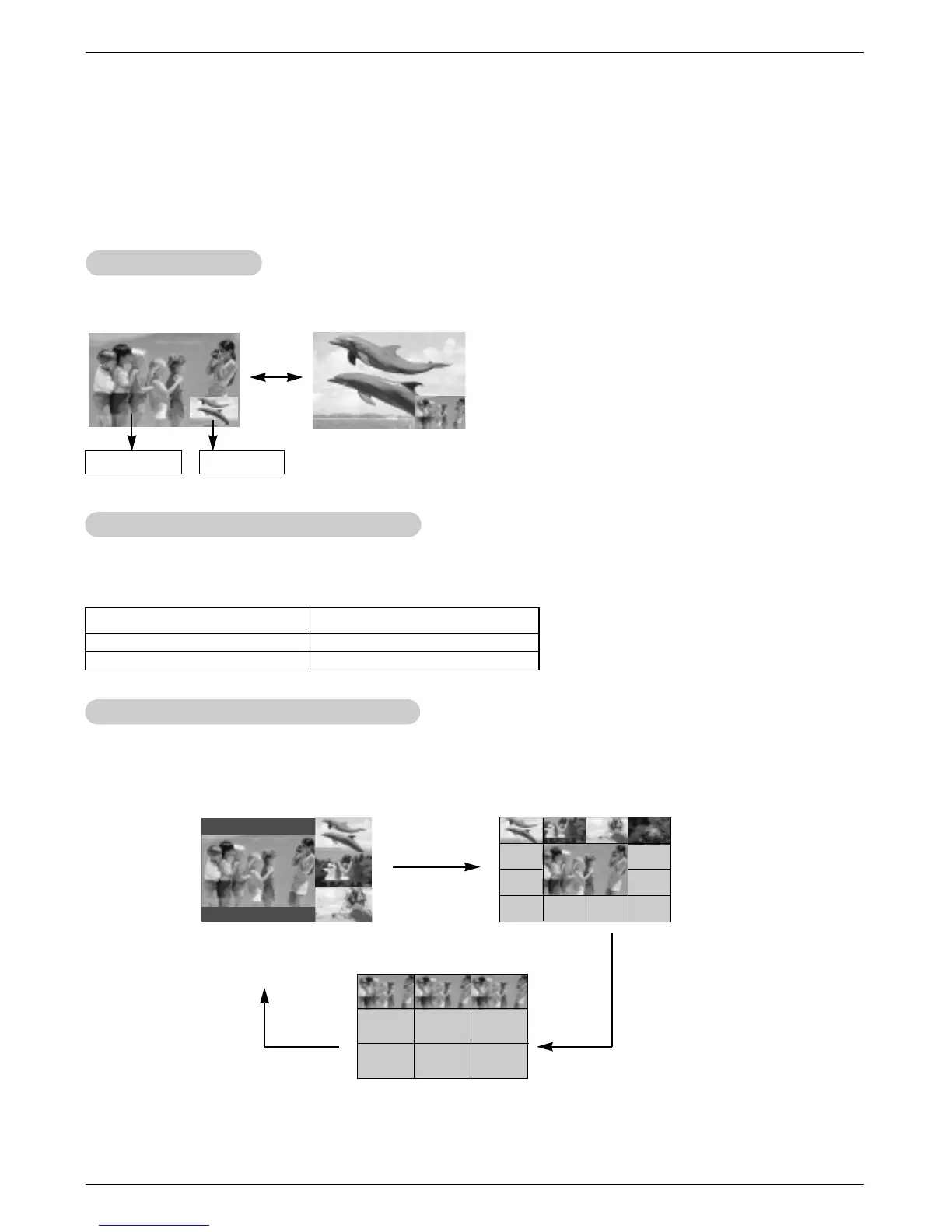
POP
POP
(Picture-of-Picture: Channel Scan)
(Picture-of-Picture: Channel Scan)
- Use POP to search the programs of all the memorized channels one-by-one, while the main picture
source remains the current channel.
- Press the scan button in PIP mode. Each press of scan button changes the screen as shown below.
- Note: Run EZ Scan channel search before using POP mode.
Swapping the PIP
Swapping the PIP
Press the pip swap button to switch the main and sub pictures.
* In Component mode, this POP
mode only operates.
Selecting an Input Signal Source for PIP
Selecting an Input Signal Source for PIP
Use the pip input button to select the input source for the sub picture.
Each press of pip input button changes the PIP source.
Main Picture Sub Picture
Main Picture Source
Available Sub Picture Sources
TV, Video 1, Video 2, and S-Video
Component, and RGB-PC
Component,and RGB-PC
TV, Video 1, Video 2, and S-Video



 To Next Page