26
Operation
Lock Menu Setup
Lock Menu Setup
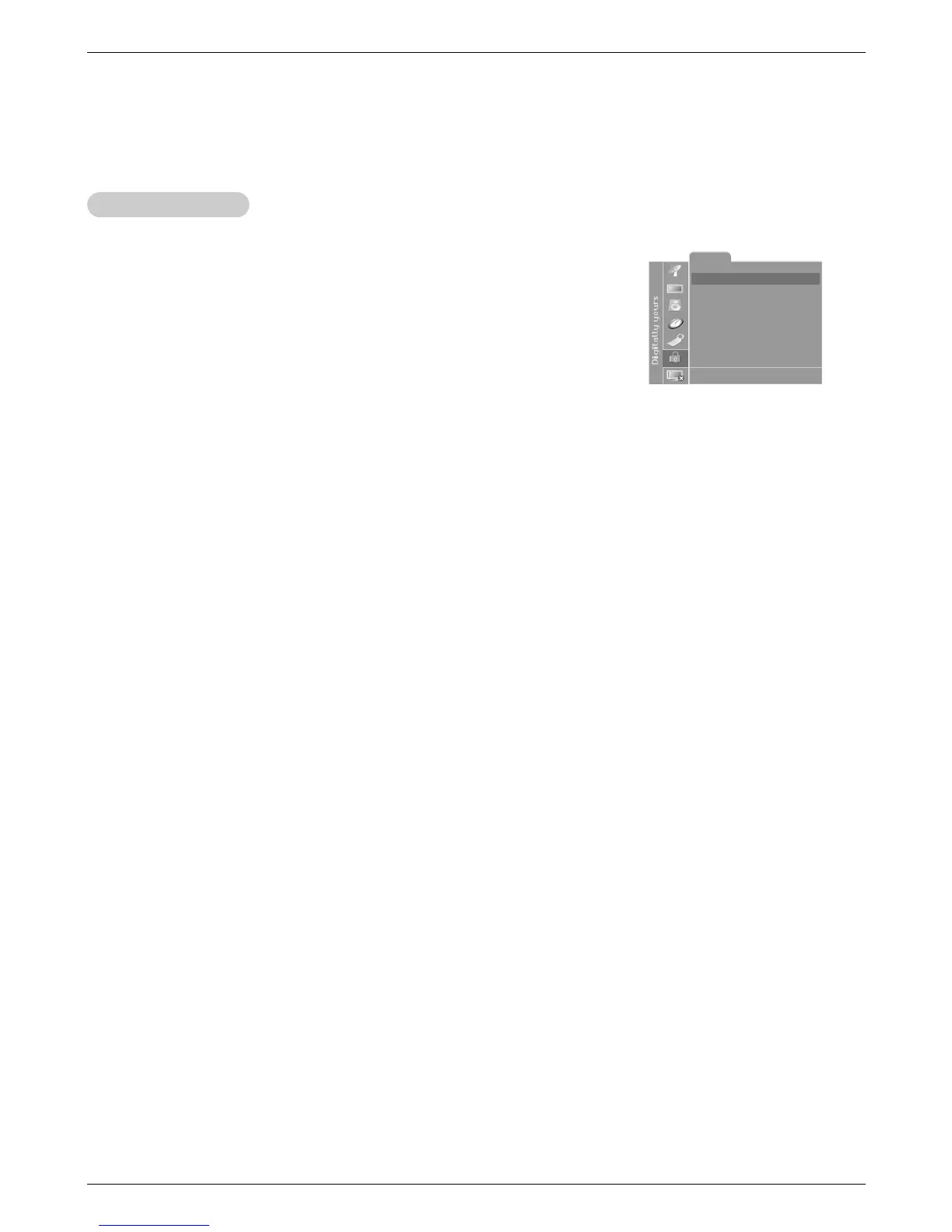
1. Press the menu button and then use
D / E
button to select the Lock menu.
Then, press the G button.
• If Lock is already set, enter the password requested.
• The TV is set with the initial password “0-0-0-0”.
2. Setting Lock on/off:
Press the
D / E
button to select Lock on/off.
Use the F / G button to select on or off.
3. Set password:
Press the
D / E
button to select Set password.
Press the G button and then enter a four digit password.
Enter it again when requested.
4. Press the
D / E
button to select type of blocking to be set .
5. Press the G button and then use
D / E
button to select type of ratings to block .
• Age block, Content block, and Canadian menus, also have sub menus. So,
repeat steps 4 and 5 in the sub menu, to set the types of blocking and ratings.
Lock
Lock on/off Off
Set Password
MPAA
Age block
Content block
Aux. block
Canadian
DE F G Â
MENU EXIT
Lock Menu Options Continued
Lock Menu Options Continued



 To Next Page