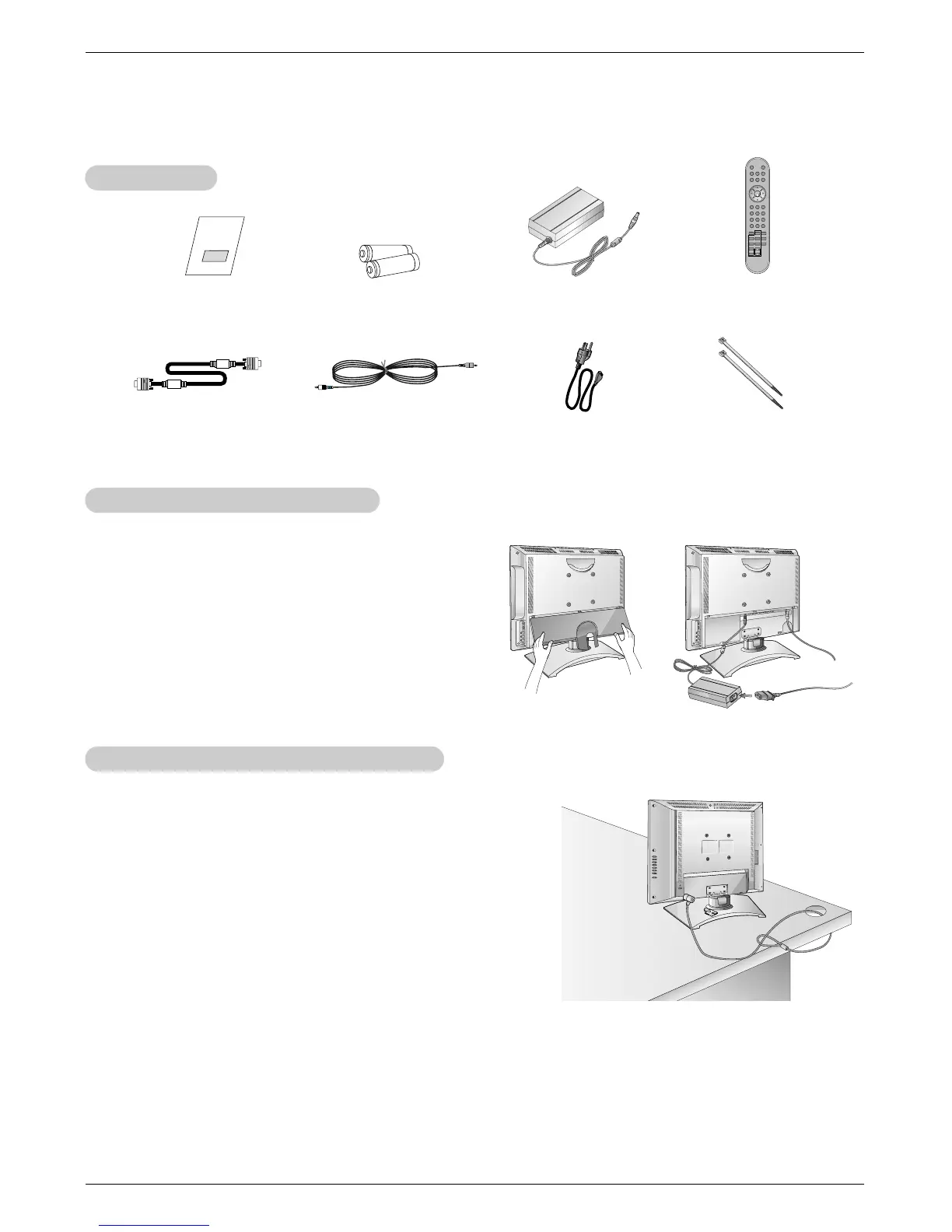
Tie Bands
- Arrange the wires
with the tie bands.
* Caution: Please make sure to connect the TV to the AC power
adapter before connecting the TV's power plug to a wall power out-
let.
a. Remove the connection panel cover as shown below.
b. Connect the antenna cable to the antenna input port on the
TV.
c. Connect the AC adapter to the power input port on the TV.
d. Plug the power cord into the wall power outlet only after con-
necting the power cord to the AC adapter first.
e. Reinstall the connection panel cover.
b
c
d
NOTES
a. If the TV feels cold to the touch, there may be a small “flicker” when when it is turned on.
This is normal, there is nothing wrong with TV.
b. Some minute dot defects may be visible on the screen, appearing as tiny red, green, or blue spots. However, they have no
adverse effect on the monitor's performance.
c. Avoid touching the LCD screen or holding your finger(s) against it for long periods of time.
Doing so may produce some temporary distortion effects on the screen.
a
Power Connections (L17W36 Only)
Power Connections (L17W36 Only)
Kensington Security System (L23W36 Only)
Kensington Security System (L23W36 Only)
Accessories
Accessories
- The TV is equipped with a Kensington Security System connector
on the back panel. Connect the Kensington Security System
cable as shown below.
- For the detailed installation and use of the Kensington Security
System, refer to the user’s guide provided with the Kensington
Security System.
For further information, contact http://www.kensington.com, the
internet homepage of the Kensington company. Kensington sells
security systems for expensive electronic equipment such as note-
book PCs and LCD projectors.
- Note: The Kensington Security System is an optional accessory.



 To Next Page