21
PREPARATION
VCR Operation Setup (Continued)
Setting the Clock
The DVD+VCR gives you two ways to set the time and
date: the Auto Clock Feature or manually. The Auto Clock
Feature enables the DVD+VCR to set up the clock when
the DVD+VCR is turned off.
Auto Clock Set
The Auto Clock Set feature is set to ON at the factory. In the
ON setting, the DVD+VCR looks for a channel carrying XDS
(Extended Data Services) information. XDS updates the clock
using the Coordinated Universal Time.
The Auto Clock Feature enables the DVD+VCR to set up
the clock when the DVD+VCR is turned off.
11
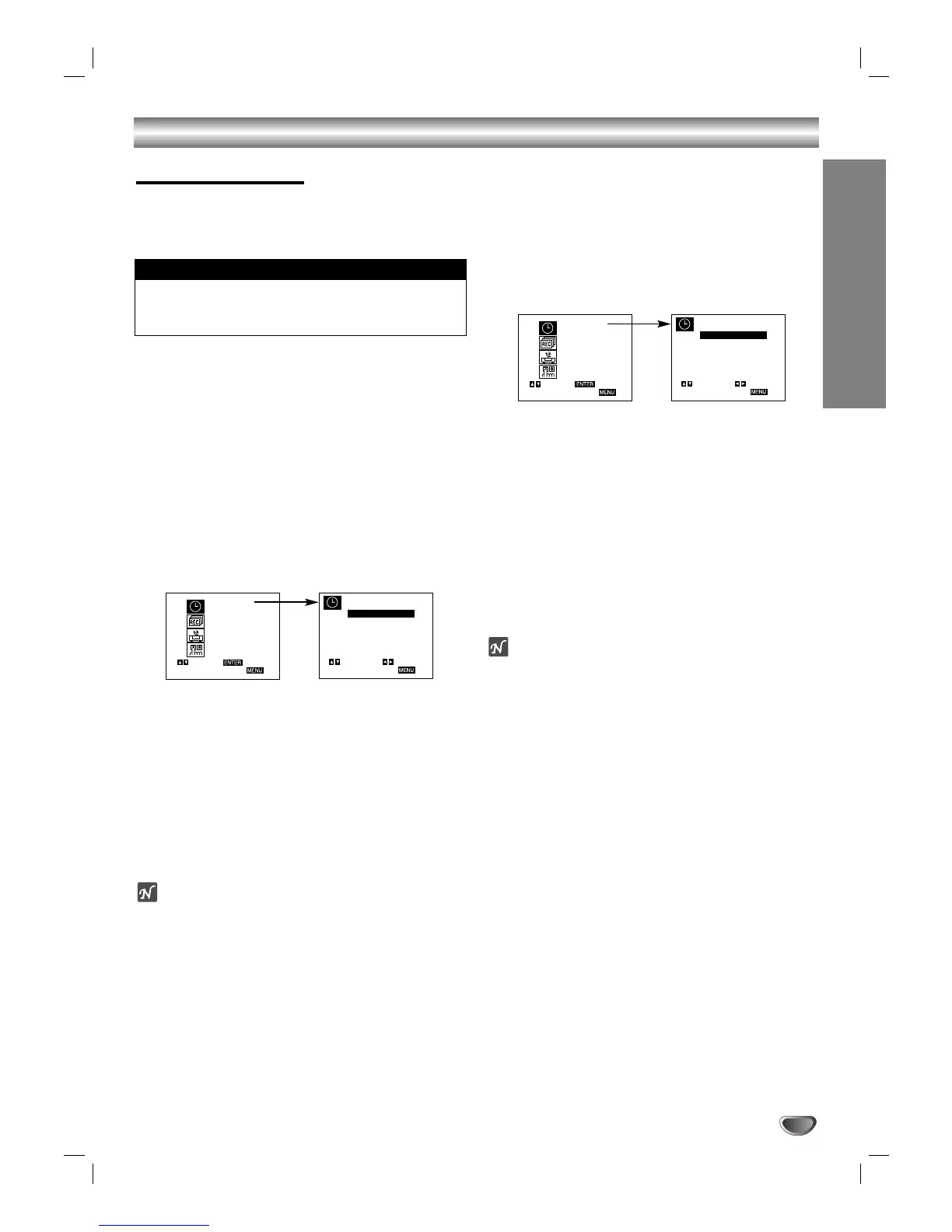
Press MENU and the MAIN menu will appear.
22
Use v/V to choose the SET CLOCK menu.
Press SELECT/ENTER and the SET CLOCK
menu will appear.
33
Use V to choose the AUTO CLOCK SET option.
Use b/B to choose ON.
The Auto Clock Set feature is set to ON at the factory. In
the ON setting, the DVD+VCR looks for a channel
carrying XDS (Extended Data Services) information. XDS
updates the clock using the Coordinated Universal Time.
44
Use V to choose the PBS CH. option.
Use b/B to choose your local PBS channel.
55
Press MENU when finished.
ote
There are cases where the TV station does not send, or sends
wrong date and/or time information and the DVD+VCR sets the
incorrect time.
If this happens, we recommend that you set the clock manually.
Manual Clock Set
Example: July 5, 2002 ; 2:15 AM
11
Press MENU and the MAIN menu will appear.
22
Use v/V to choose the SET CLOCK menu.
Press SELECT/ENTER and the SET CLOCK
menu will appear.
33
Use b/B to choose the month.
44
Use V to choose the DAY option.
Use b/B to choose the day.
The day of the week will display automatically.
55
Use V to choose the YEAR option.
Use b/B to choose the year.
66
Use V to choose the TIME option.
Use b/B to choose the time.
77
Press MENU when finished.
ote
If setting the clock manually, “AUTO CLOCK SET” must
set to “OFF”.
If set to “ON”, an incorrect date and/or time will be
entered again when the DVD+VCR is turned off.
The clock uses the 12-hour system. (Be sure to set AM
and PM correctly.)
The initial Clock Setting is JANUARY 1, 2002, 12:00 AM.
Things to know before starting


 To Next Page
 Loading...