19
Milano Use, Care, and Installation Guide
ZEPHYRONLINE.COM
Features & Controls
Touch Controls
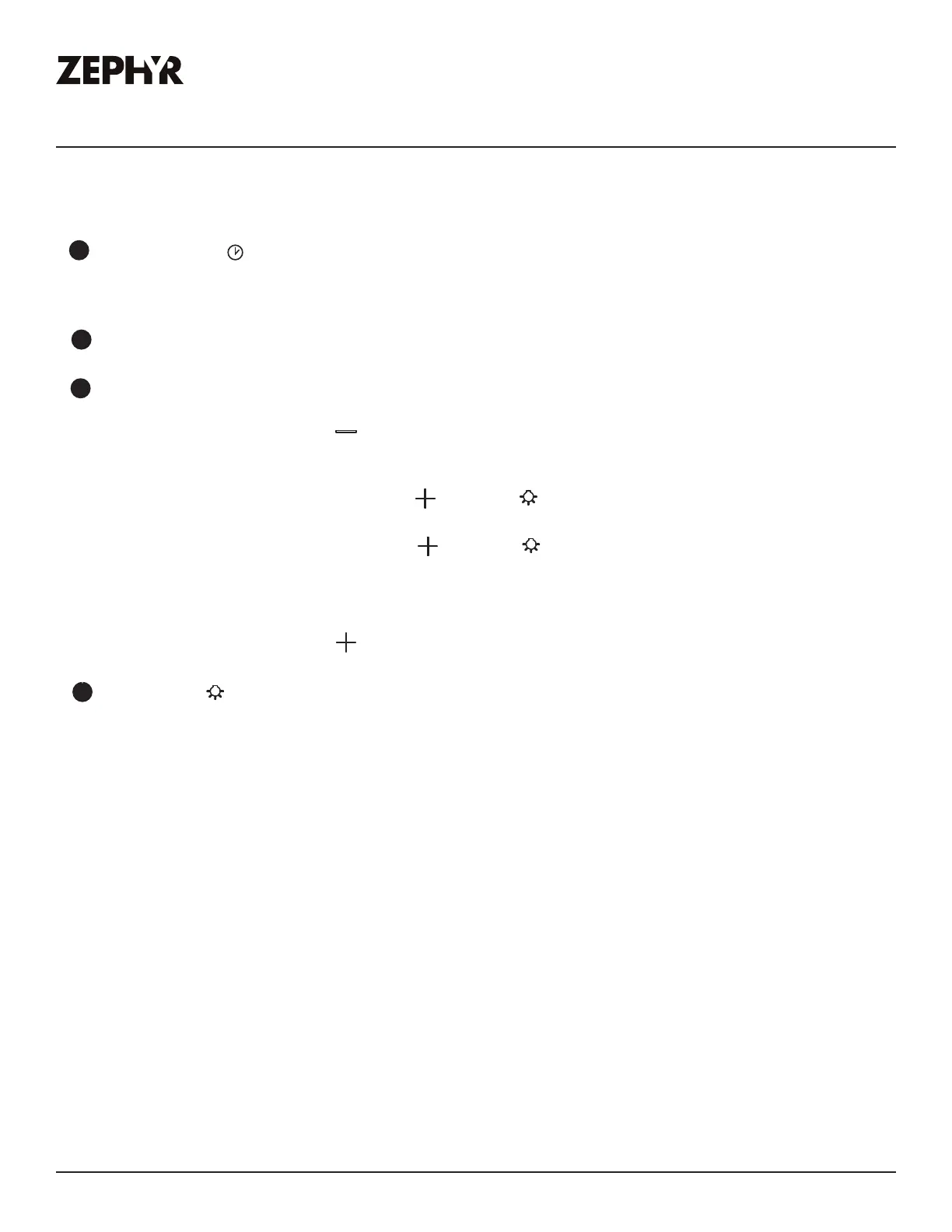
7
Clean Filters Indicator
- After 30 hours of fan usage, the clean fitlers indicator will turn on indicating it is time to clean the mesh filters.
- To Reset: With hood o: hold the button for three seconds. The clean filters indicator will turn o
confirming the 30 hour timer has been reset.
Recirculating Mode
- To Enable: With hood o, press and hold the button and button simultaneously for three seconds. The clean
filter indicator will illuminate for three seconds confirming the function is enabled.
- To Disable: With hood o, press and hold the button and button simulaneously for three seconds. The clean
filter indicator will blink two times confirming the function is disabled.
- After 120 hours of fan usage, the clean filters indicator will flash on and o indicating it is time to replace the
charcoal filters.
- To Reset: With hood o: hold the button for three seconds. The clean filters indicator will turn o
confirming the 120 hour timer has been reset.
8
Lights Indicator
- When lights are on high or low, lights indicator will illuminate.
5
Ű
- When delay o function is activated, delay o indicator light will turn on indicating the delay o 5 minute
timer has started.
- After 5 minutes the fan, lights and delay o indicator will automatically turn o.
6
Speed Level Indicators
- Fan is four speed levels. Q (Quiet), 2, 3, and 4.


 To Next Page
 Loading...