Controls and Components
3.14
Display B
To select Display B with the dash in its normal operating mode,
momentarily press the SEL button twice. Press the ADJ button
to toggle through the following fields:
• Trip 2 Odometer - Displays individual trip mileage and is reset
by pressing and holding the ADJ button for 2 seconds.
• Trip AV - Displays the average energy usage during duration
of Trip 1 in watt hours (Wh), per mile (mi), or kilometer (km),
depending on the currently selected display unit.
Note: The Trip AV is reset each time the battery is recharged
to 100%.
• Temp - Displays the temperature of the motor in Fahrenheit
(F) or Celsius (C).
Note: The temperature may not read accurately during the
first 5 miles of a ride while the application is calibrating itself.
• Life AV - Displays the average energy usage over the life of
the motorcycle in watt hours (Wh), per mile (mi), or kilometer
(km), depending on the currently selected display unit.
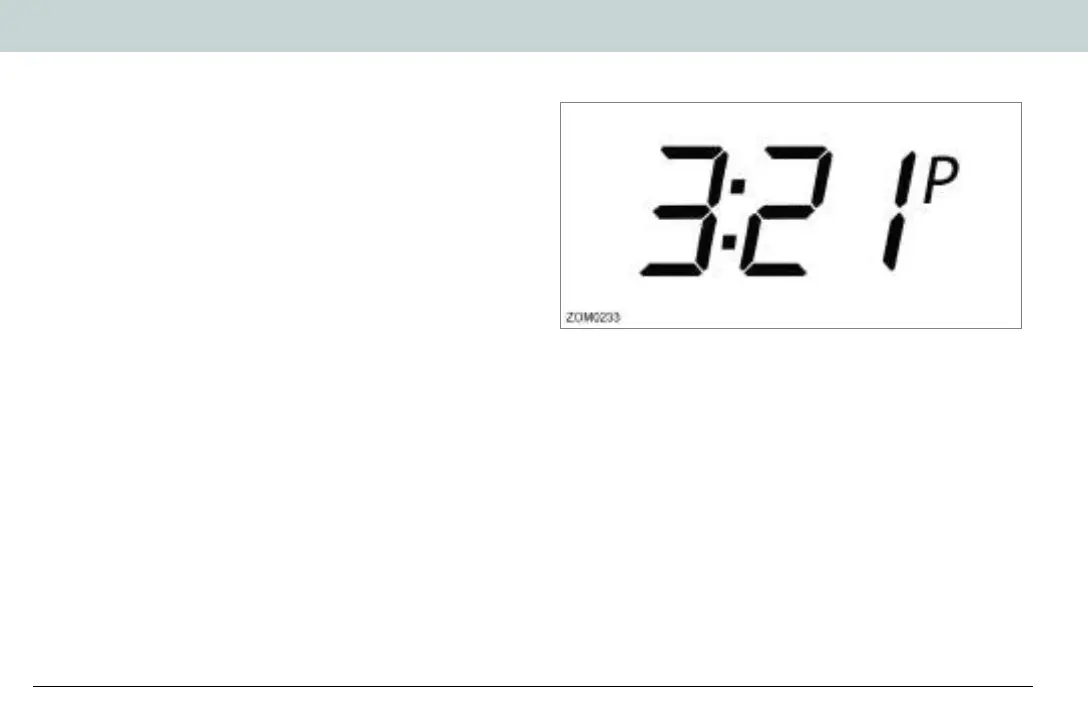
Setting the Clock
To set the clock with the dash in its normal operating mode,
press and hold the SEL button for 5 seconds, then momentarily
press the SEL button once more. The clock display will start to
flash.
• Hours - Press and release the ADJ button to increase the
hour setting.
• Minutes - Press and release the SEL button once to select
the minute display, then press and release the ADJ button to
increase the minute setting.
• Standard or 24 Hour Mode - Press and release the SEL
button to select the time format, then press the ADJ button to
select P (am/pm mode) or 24:00 (24 hour mode).
Zero Owner's Manual (S and DS).book Page 14 Monday, September 21, 2020 11:43 AM


 To Next Page