23
APP Download and Installation
APP Operations
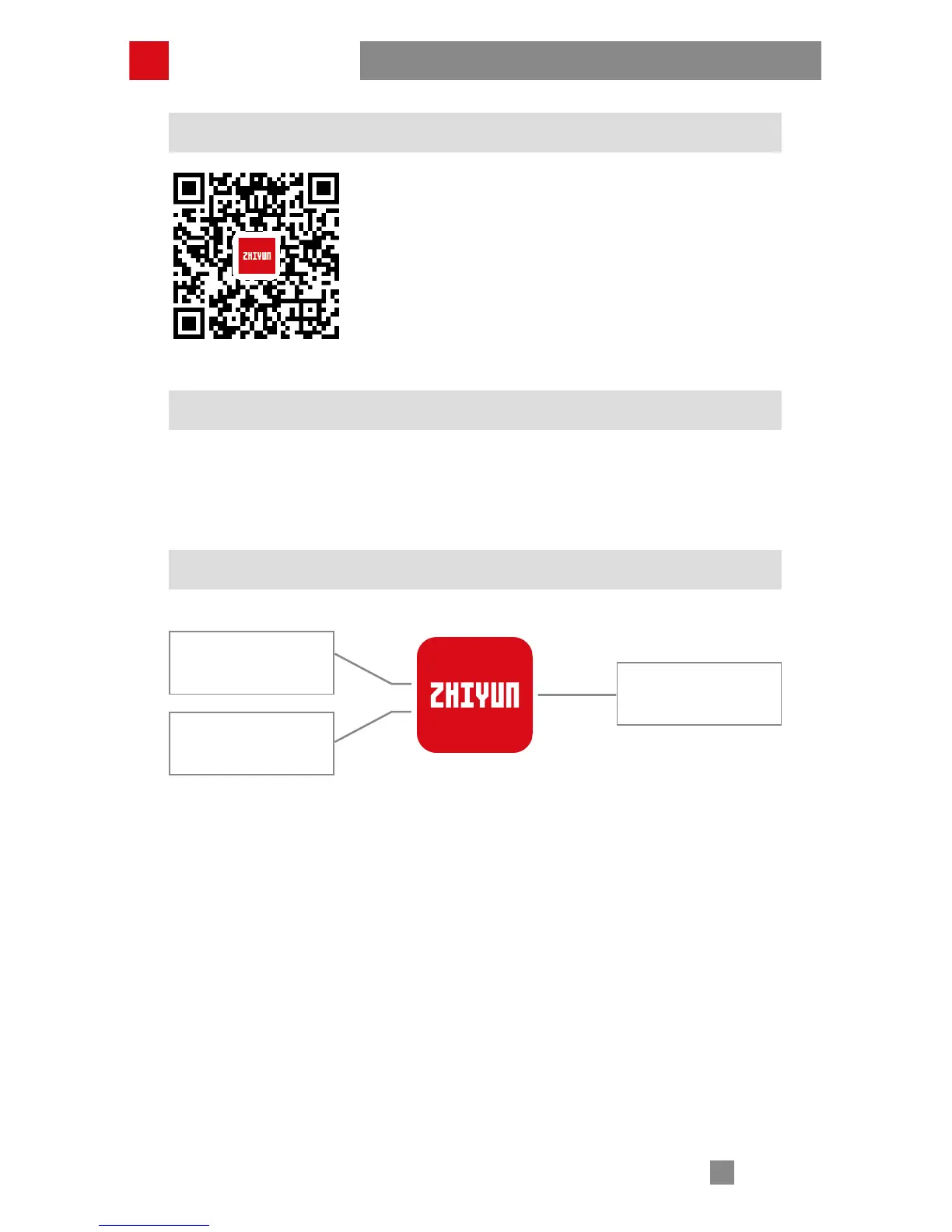
Download the APP from ZHIYUN's official website www.
ZHIYUN-TECH.com, or by directly scanning the QR code
on the left (Android 5.0 above or iOS9.0 above required)
to download. iOS or Android users can download the
APP by searching "ZY Play" in APP Store.
The ZHIYUN APP is subject to regular update, try out
now to discover more functions.
Overview of Main Functions
Connecting the Stabilizer to Smartphone
1. Power on the stabilizer and turn on Bluetooth on the phone;
2. Open "ZY Play" App, and click “Please connect device”. Choose your stabilizer
to connect.
Stabilizer parameters
settings
Stabilizer calibration
ZY Play
Control through APP



 To Next Page
 Loading...