14
How to Use
横滚轴
俯仰轴
航向轴
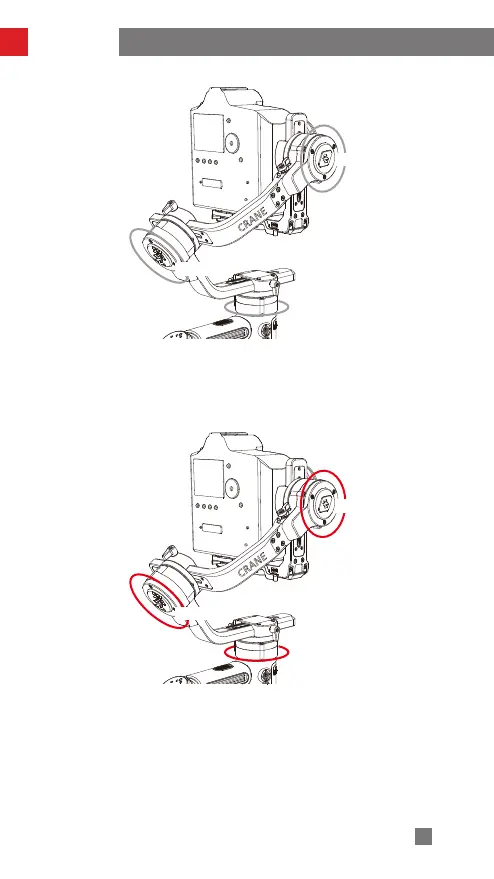
Locking Mode (L):
Single press MODE Button to enter
This mode locks the movement of all three axes to keep the camera fixed on a shooting
direction. Pushing the joystick up/down and left/right allows manual control of the tilt
axis and pan axis.
横滚轴
俯仰轴
航向轴
Point of View Mode (POV):
Single press POV Button to enter
All three motors move following the movement of the stabilizer.
Tilt Axis
Roll Axis
Pan Axis
Tilt Axis
Roll Axis
Pan Axis


 To Next Page
 Loading...