C
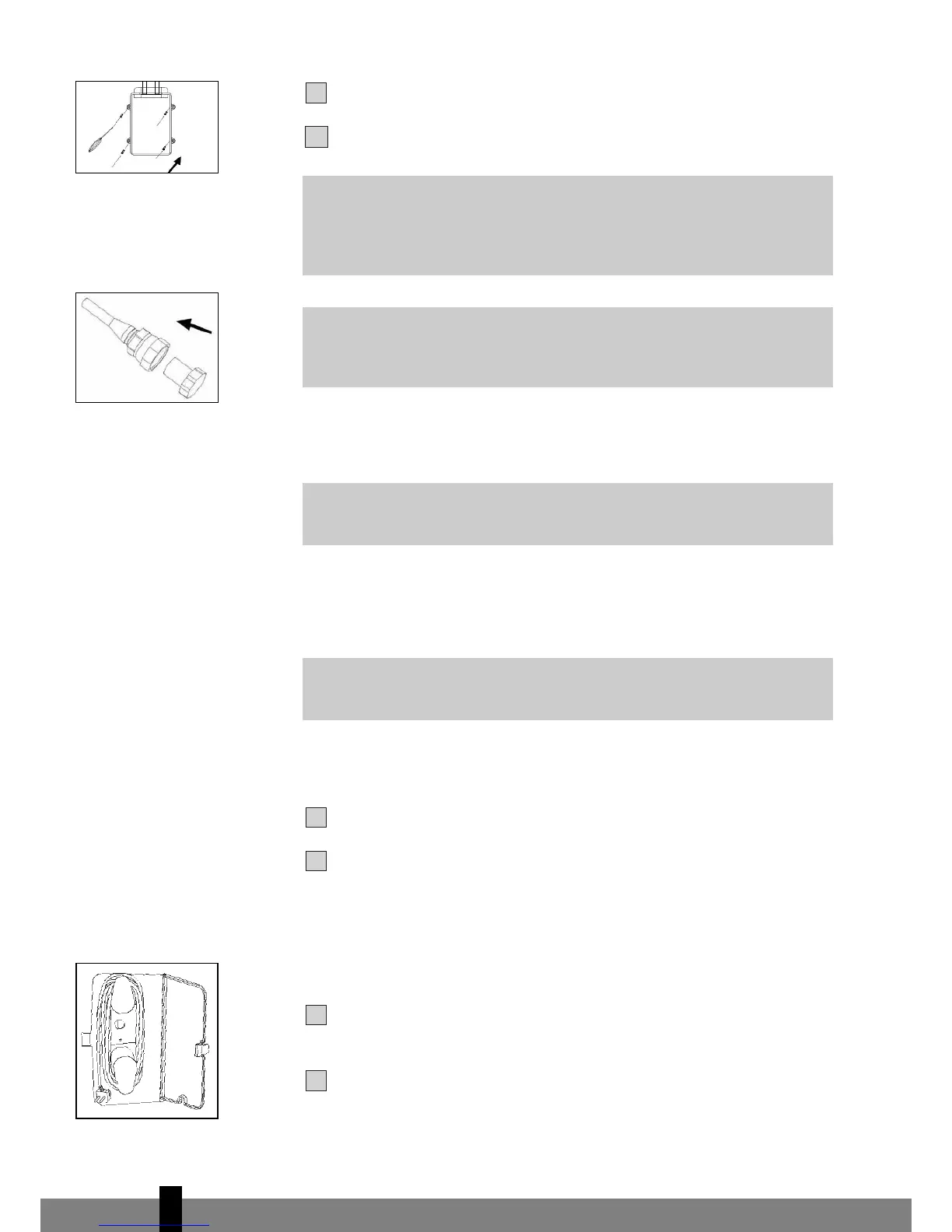
lose the cabinet cover for quick connector shielding
L.
Store the protection caps
Q in a safe place.
H CLEANING
Clean the housing with a soft, damp cloth. Never use aggressive chemicals, petrol,
detergents or other cleansing solutions. Clean the screen filter regularly with a
vacuum cleaner. See also chapter D “Air filter”.
I STORAGE
Empty the internal water container (refer to Chapter E).
Clean the screen filter (refer to Chapter H). Remove 3M™ Filtrete™ filter and
active carbon filter.
• Remove the 3M™ Filtrete™ filter and active carbon filter before seasonal
storage and install new filters at the beginning of the new season. The
old filters can be disposed in the ‘Non-biological garbage container’.
•
Replacement filter packages are available at your dealer.
Put the unit in air circulation mode for a few hours to ensure that the inside
becomes completely dr
y.
Store the cable as shown. Protect the unit against dust and store in a dry
place, not accessible to children.
G
NOTE!
Never use the air conditioner without the screen filter.
G
WARNING!
First of all switch off the unit and pull the plug out of the wall socket.
G
IMPORTANT
Always ensure that the quick-connection openings are clean. Attach the
caps to quick-connectors whenever they are opened.
G
WARNING
After connecting the refrigerant tubes, take care that these are well
isolated again. If this is not done properly, damage because of
condensation water can occur!


 To Next Page