4
73
C OPERATION
1. CONNECTING TO THE MAIN
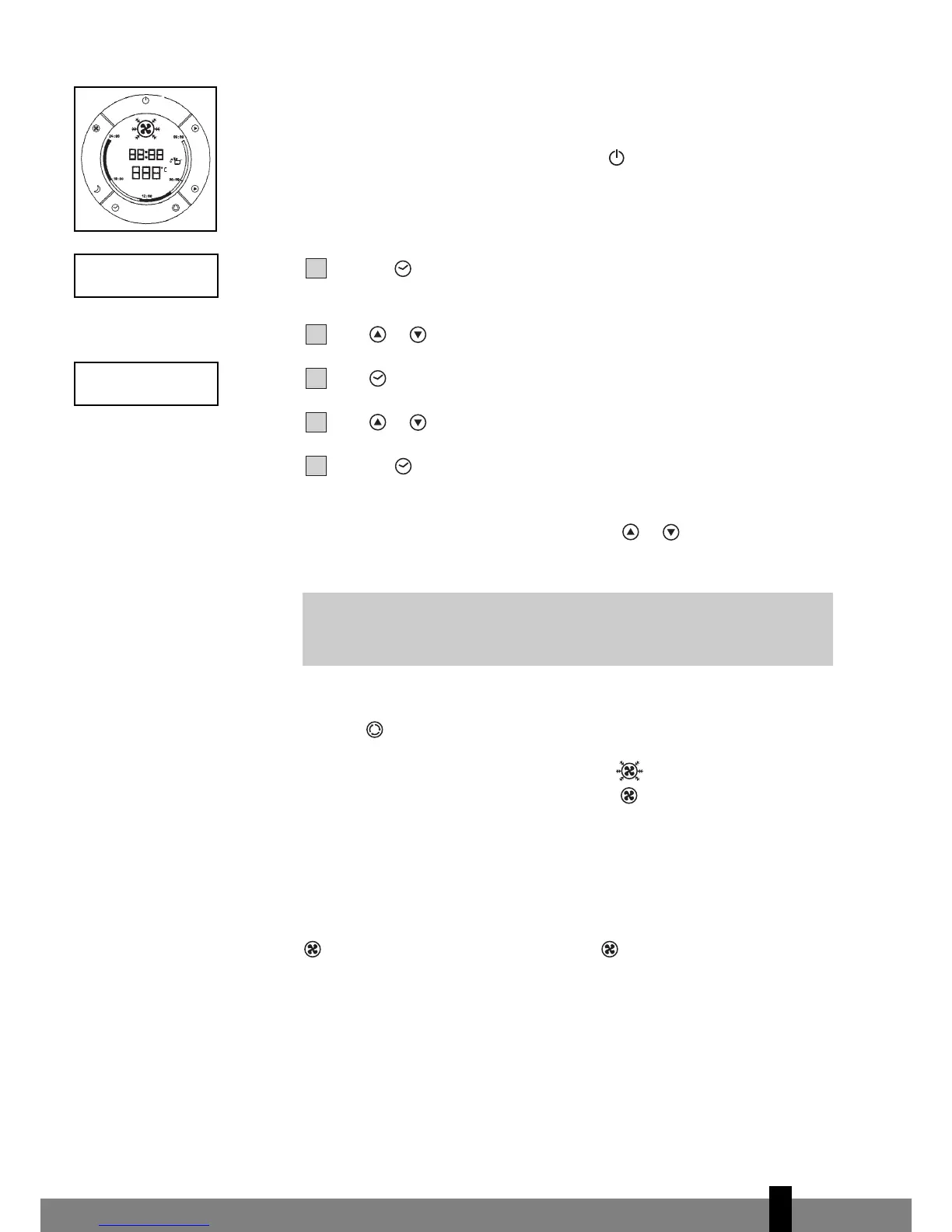
Insert the plug in the wall socket. Then press to switch the unit on or off. A
buzzer will beep, and the LCD will display 12:00 o’clock as default.
2. SETTING THE CLOCK
Press the push button for 3 seconds to set the clock. The 2 left digits of the
4 digits on the LCD-display will flash.
Press or to adjust the hour.
Press momentarily, the 2 right digits of the 4 digits will flash.
Press or to adjust the minutes of the clock.
Press the push button for 3 seconds again to activate the clock.
3. TEMPERATURE SETTING UP/DOWN
If you want to change the set temperature press or to set the temperature.
The 2 digit display will indicate the set temperature.
4. MODE SWITCH
Push the button successively until the icon representing the desired mode is
appearing (=> Cool => Fan => Cool => etc).
On the LCD-display you will see: Cooling
Fan only
Each time the unit starts, it starts operating in coolmode with a set temperature
of 22°C. The fan speed will be selected automatically.
5. FAN SPEED SETTING
If you prefer a constant fan speed instead of the auto fan speed, push the
push button successively; the fan icon on the LCD-display will rotate
accor
dingly.
• Fast - for the turbo speed
• Normal - for the medium speed
•
Slow - for the slow speed
• Alternating - for the auto fan speed (In the cooling mode only!)
G
NOTE
Reaching the set temperature is up to surrounding room conditions.


 To Next Page