4
75
R
epeat OFF & ON
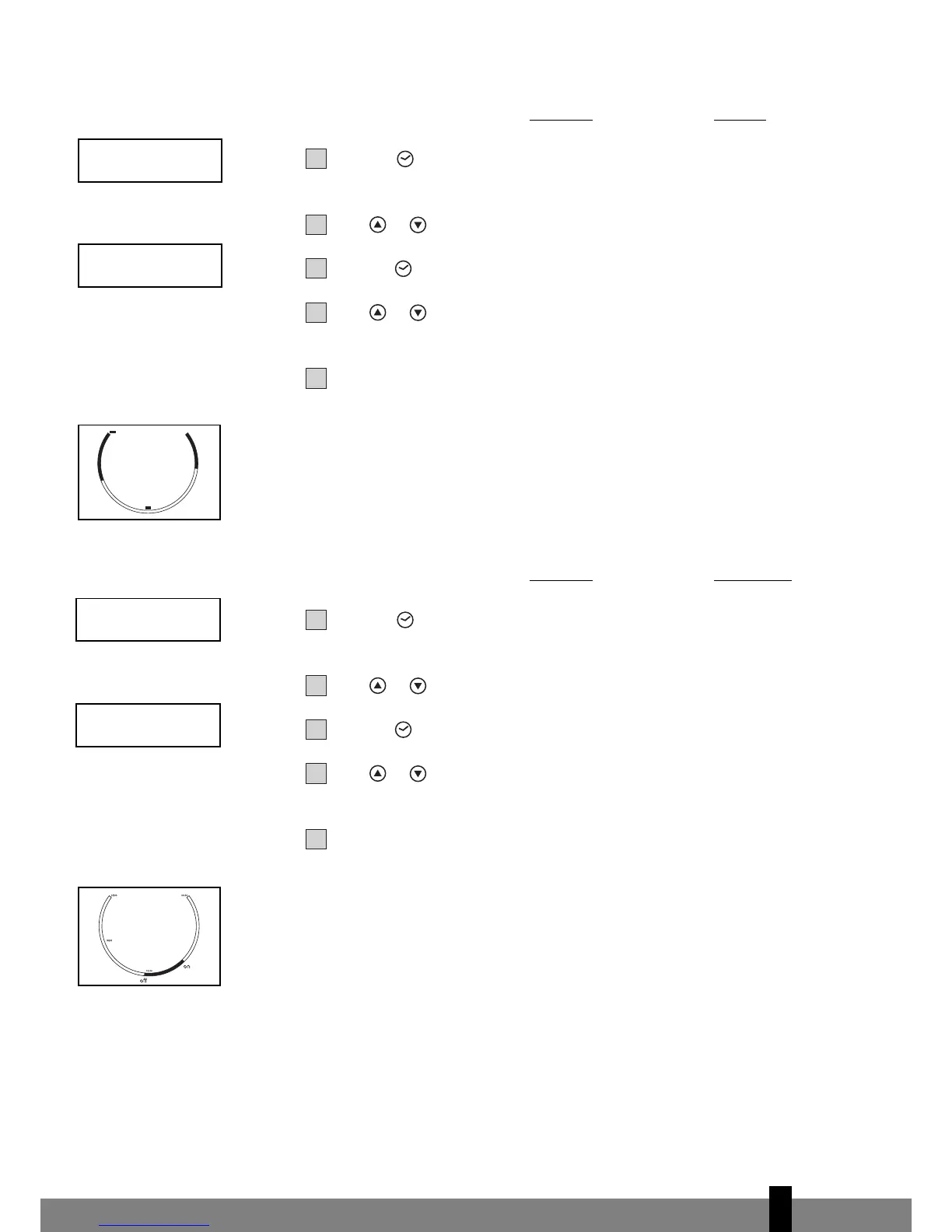
Programming the timer for repeat OFF & ON - when the unit is running.
Press the push button; the 2 left digits of the 4 digits on the LCD display
are flashing.
Press or to adjust the hour.
Press the push button again, the 2 right digits of the 4 digits are flashing.
Press or to adjust the minutes of the clock in intervals of 5 minutes.
The timer is set. After 10 seconds the time display returns.
Repeat the above procedure while the digits are still flashing for setting the
ON.
The circular time scale will be on between the 00:00 time to the timer time off,
and from the time on till 24:00. The flashing bar on the time scale indicates the
real time and moving a phase every 30 minutes ahead. The unit will operate
according to the timer setting daily.
Repeat ON & OFF
Programming the timer for repeat ON & OFF
- when the unit is not running
.
Press the push button; the 2 left digits of the 4 digits on the LCD display
are flashing.
Press or to adjust the hour.
Press the push button again, the 2 right digits of the 4 digits are flashing.
Press or to adjust the minutes of the clock in intervals of 5 minutes.
The timer is set. After 10 seconds the time display returns.
Repeat the above procedure while the digits are still flashing for setting the
OFF.
The circular time scale will be OFF between the 00:00 time to the timer time ON,
and from the time OFF until 24:00. The flashing bar on the time scale indicates the
real time and moving a phase every 30 minutes ahead. The unit will operate
accor
ding to the timer setting daily.
After a power failure (e.g. after plug out of the wall socket) you have to program
the timer setting again.



 To Next Page