Need help?
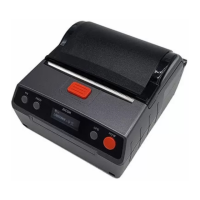
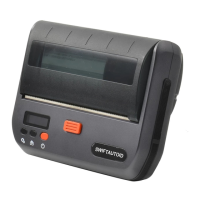
Do you have a question about the zicox XT4131A and is the answer not in the manual?
General information about the XT4131A printer manual.
Explains symbols and conventions used throughout the manual.
Describes symbols found directly on the printer for operational guidance.
States rights for updating hardware/software and contact for mistakes.
Informs about the printer belonging to class A and radio interference.
Lists safety precautions to follow before using the printer.
Lists standard accessories included with the XT4131A printer.
Lists optional accessories available for the XT4131A printer.
Explains display symbols for wireless communication and set modes.
Explains the display symbol for printing or feeding status.
Explains the display symbol indicating an out-of-paper condition.
Explains the display symbol for an open printer cover.
Explains the display symbol for external power connection.
Explains the display symbol for battery power level.
Mentions parts that show characters on the display.
Overview of battery installation, charging, and paper loading procedures.
Details on how to install the battery and important notes.
Instructions on how to turn the printer on.
Instructions on how to turn the printer off.
How to adjust print quality settings.
How to adjust the blackness setting for printing.
Configuration of the autofeed function.
Setting for detecting label gaps or black marks.
How to perform a printer selftest.
Procedure to clear Bluetooth binding.
Setting the automatic shutdown time.
How to switch interface languages.
Routine cleaning and maintenance tasks for the printer.
Guidelines for using and storing printing paper.
Technical specifications and parameters of the XT4131A printer.

 To Next Page
 General