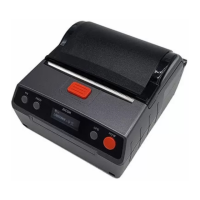
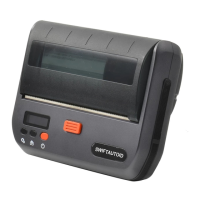
XT4131A
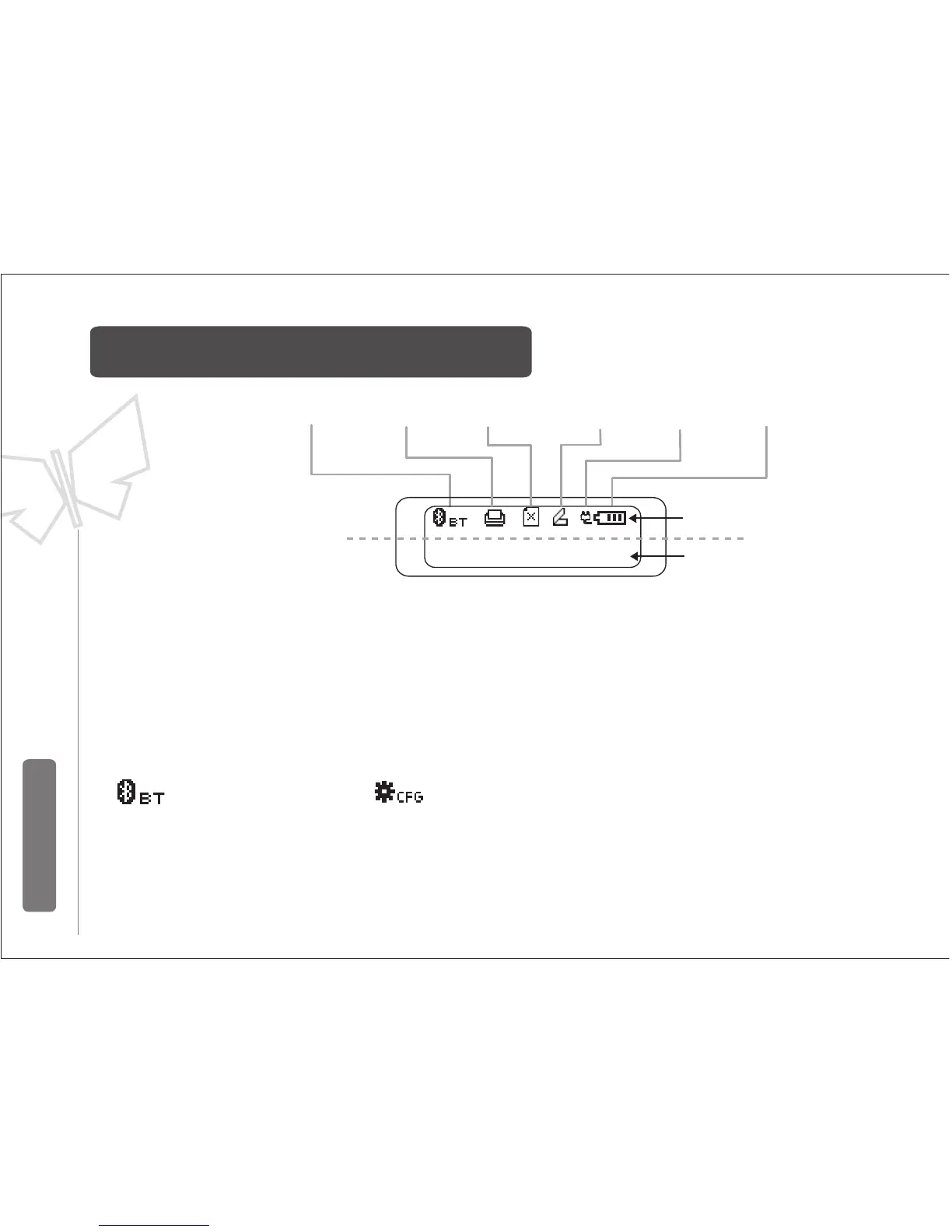
3.Display Instruction
external power
cover open
Wireless communication/set mode
The wireless communication or set mode&bluetooth mode below:
paper feeding
paper lacking
Symbol
Description
bluetooth mode
3.1 Wireless Communication/Set mode
set mode
power level
Bluetooth paired,there’s a locking
sign. When the data is tranmitted ,
it will flash
How to set,please read the sixth part


 To Next Page