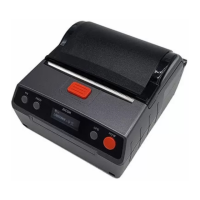
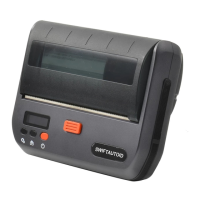
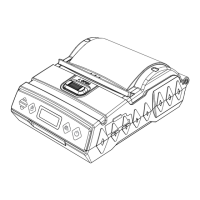
XT4131A
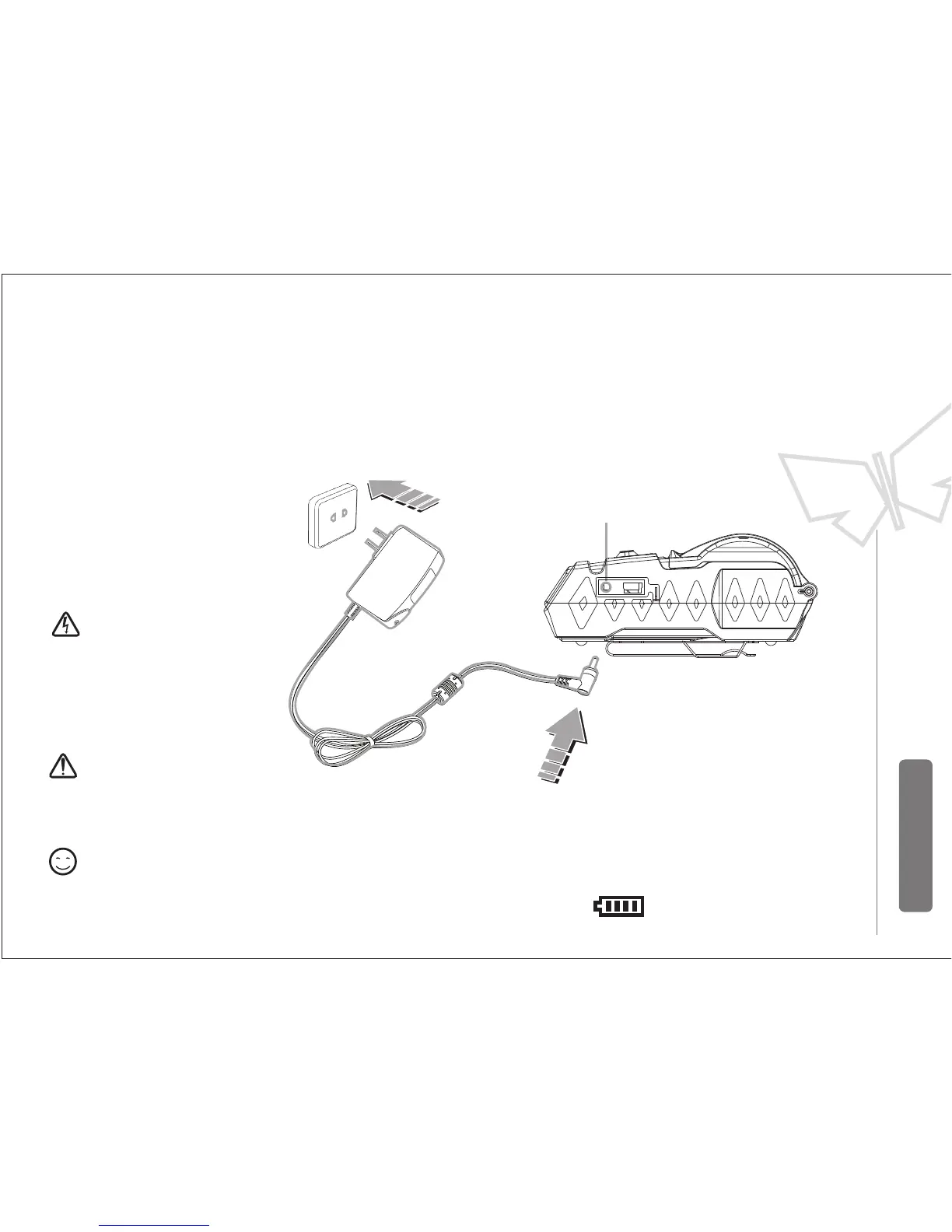
4.2 Charging battery
Do not remove the battery when
charging
AC:100V~240V(50-60Hz)
Please use our special
designed power adapters ,
use others’ may result
in damage to printers
Could print during charging
Charging: Power level blinking
Charging completed: level full & stop blinking
Plug the power adapter inoto a power
supply socket and the DC into the charging
port of the printer
Notice
Warning
Remark
Charging port


 To Next Page