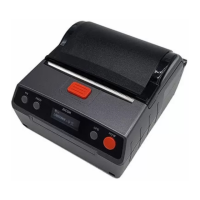
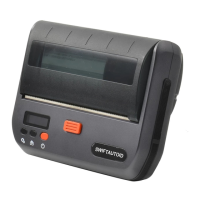
XT4131A
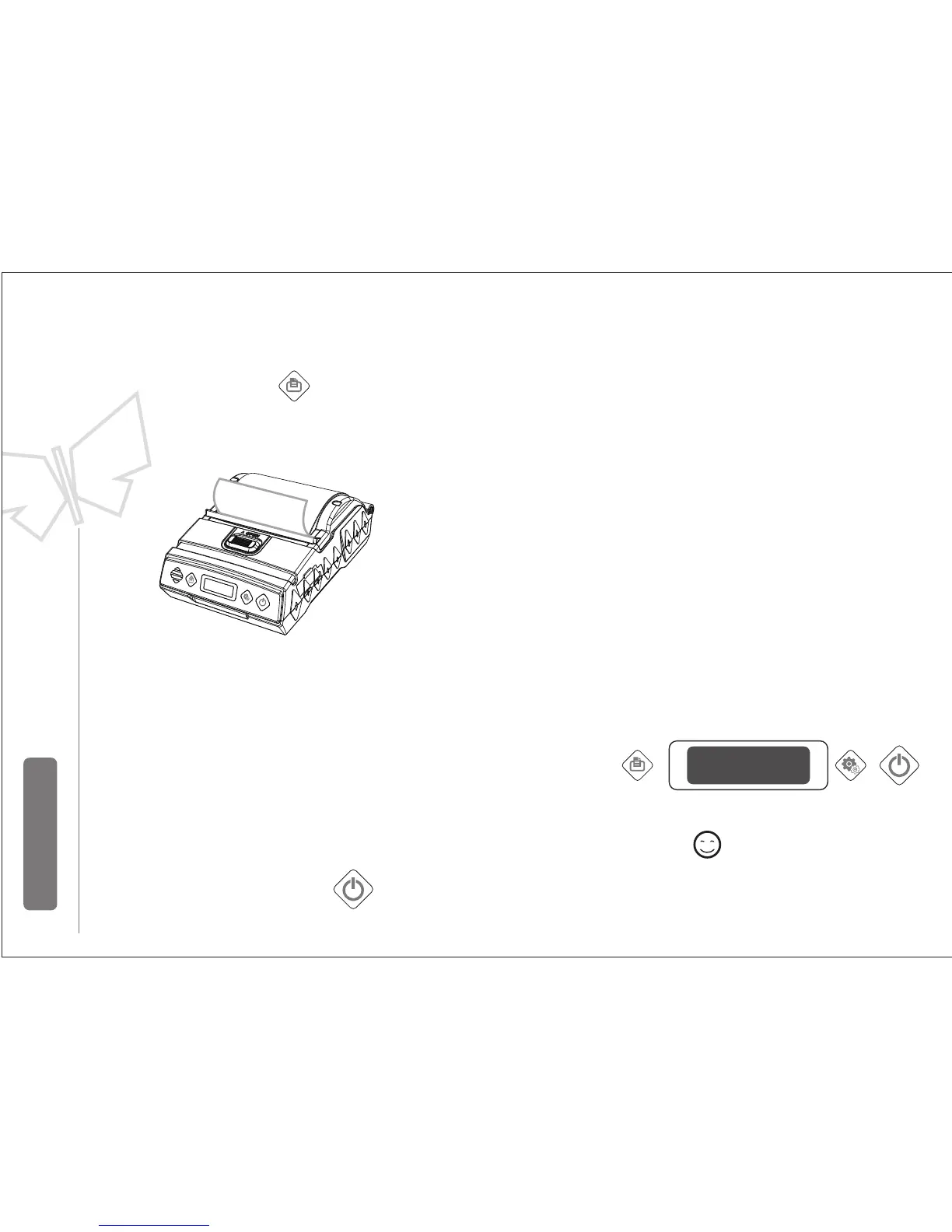
5.4 automatic sleep/wakeup
Automatic sleep
Automatic wakeup
z
zzz
When sleeping ,press button or if there’s data transmission
printer will wakeup.
After turn on the printer,within 6 s if no data transmission,
it will be enter antomatic sleep state.
Under sleep mode, Z numbers
mean power levels
Remark
Press feeding button: feeding10cm
5.3 Paper Feeding
Set button change option
Feeding
Reserve and quite:Press the power switch,
or do not operate buttons more than 5
seconds, the printer will automatically save
the settings and exit the setting State.


 To Next Page