6.Setting
XT4131A
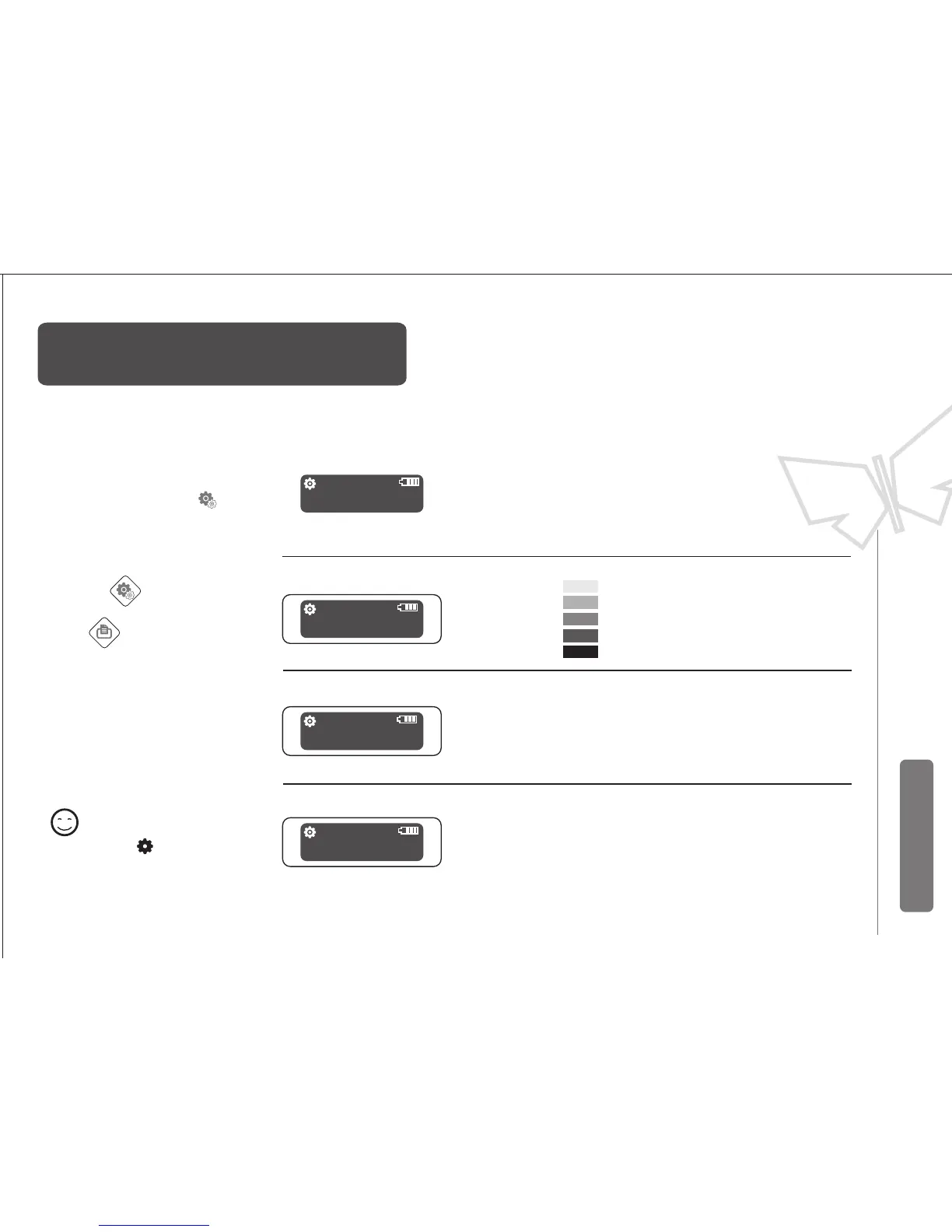
Under sleep mode, Z numbers
mean power levels
normal
high
According the demands to
set printing quality
Print quality:
打印质量 高
CFG
Set button change option
Feeding
blackness:
1
2
3
4
5
blackness: 4
quality:normal
CFG
After turn on printer,
Press set button
(No sleep mode)
Reserve and quite:Press the power switch,
or do not operate buttons more than 5
seconds, the printer will automatically save
the settings and exit the setting State.
different types of paper
adjust in different printing
blackness
CFG
When the icon shows up ,
The printer enter the set state.
MarkDetectMode:
0
1
MarkDetectMode: 0
CFG
Remark
The gap of label/black marks will
feed to the cutter then stop .
Stop feeding once detecting the
label gap/black marks
Autofeed:
Autofeed: No
CFG
No
Yes Autofeeding 10cm when has paper
change option content


 To Next Page