7.2 Performing the Treatment
Switch on the device using the toggle switch (10), the display will light up.
Start of treatment
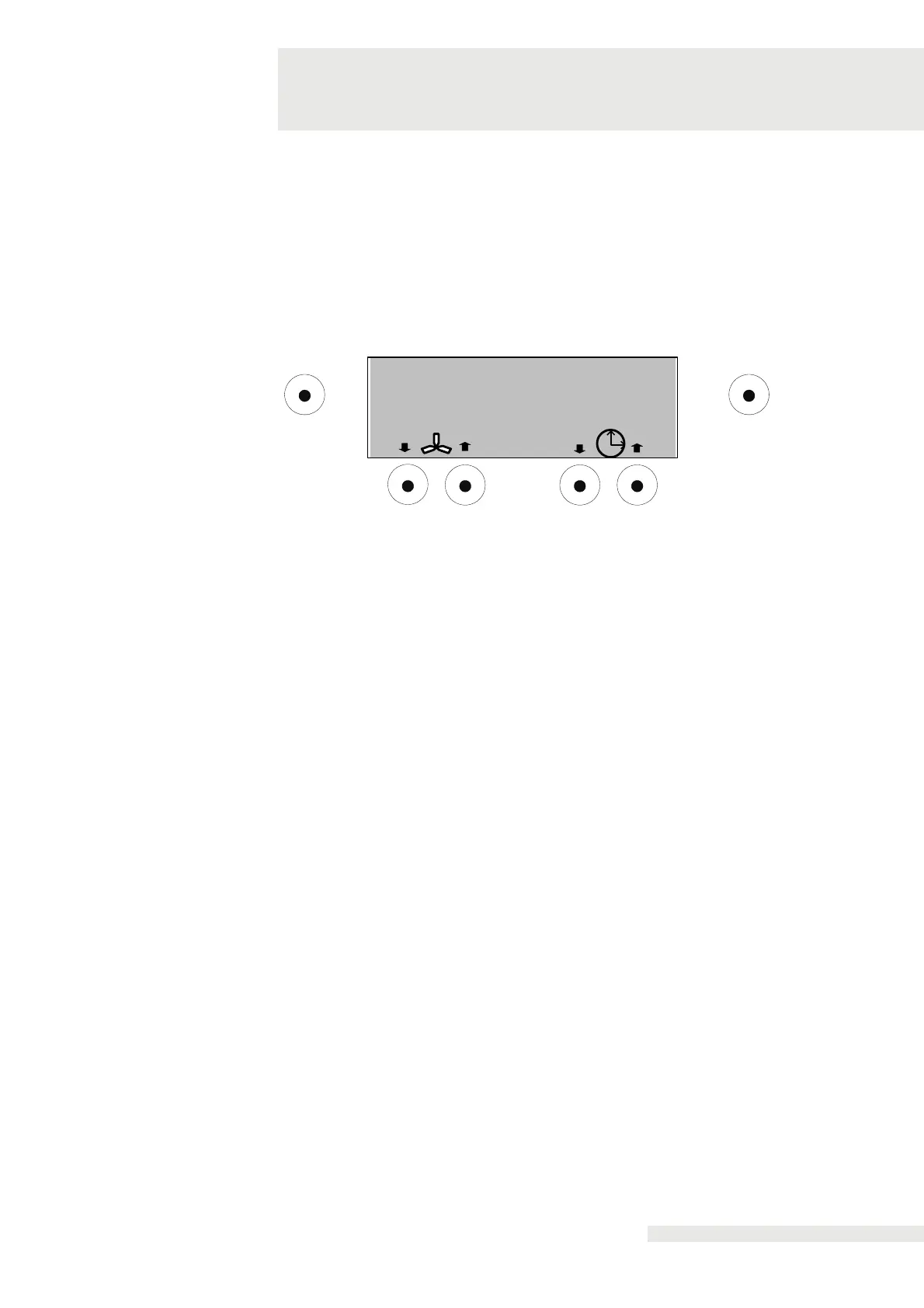
Once the device is turned on, the pre-cooling / self-test begins. CryoMini is ready
when the start-up screen shows. The treatment can be started by pressing the Start /
Stop button.
Fan level and treatment time can be adjusted optionally.
7
05:30
OK Start/ Stop
- 10°C
The end of treatment with automatic fan shutdown is signalled
acoustically. This also applies to a premature termination of treatment through
the "Start / Stop" button.
The patient should be carefully monitored throughout the treatment.


 To Next Page