Troubleshooting
triggers
To protect the device from supply problems, the CryoMini is equipped with a 2-pole
overload fuse integrated into the main switch (10). If the fuse is triggered, the device
automatically switches off via the toggle switch (10). To restart the device, it must be
switched on again using the toggle switch (10).
If the fault occurs frequently and successively, please inform customer service.
capacity / reduced
cooling capacity
If the cooling capacity decreases and the air current is significantly reduced, a
polluted defrost drain (8) may be the cause. Dust particles collect in the heat
exchanger through the treatment air. After a long time, these can clog the defrost
drain and lead to the condensate backing up.
The defrost drain is above the condensate collector. To clean the defrost drain; the
device has to be defrosted (see chapter 8 "Defrosting"). After defrosting, switch the
device off and unplug the power supply from the outlet.
Remove the condensate collector and place a flat container beneath the device to
collect the condensate. Slowly unscrew the defrost drain.
Clean the defrost drain under running water and screw it back in.
When switching on the device and partly during ongoing operation, device
components important for the program sequence are tested. If an error is
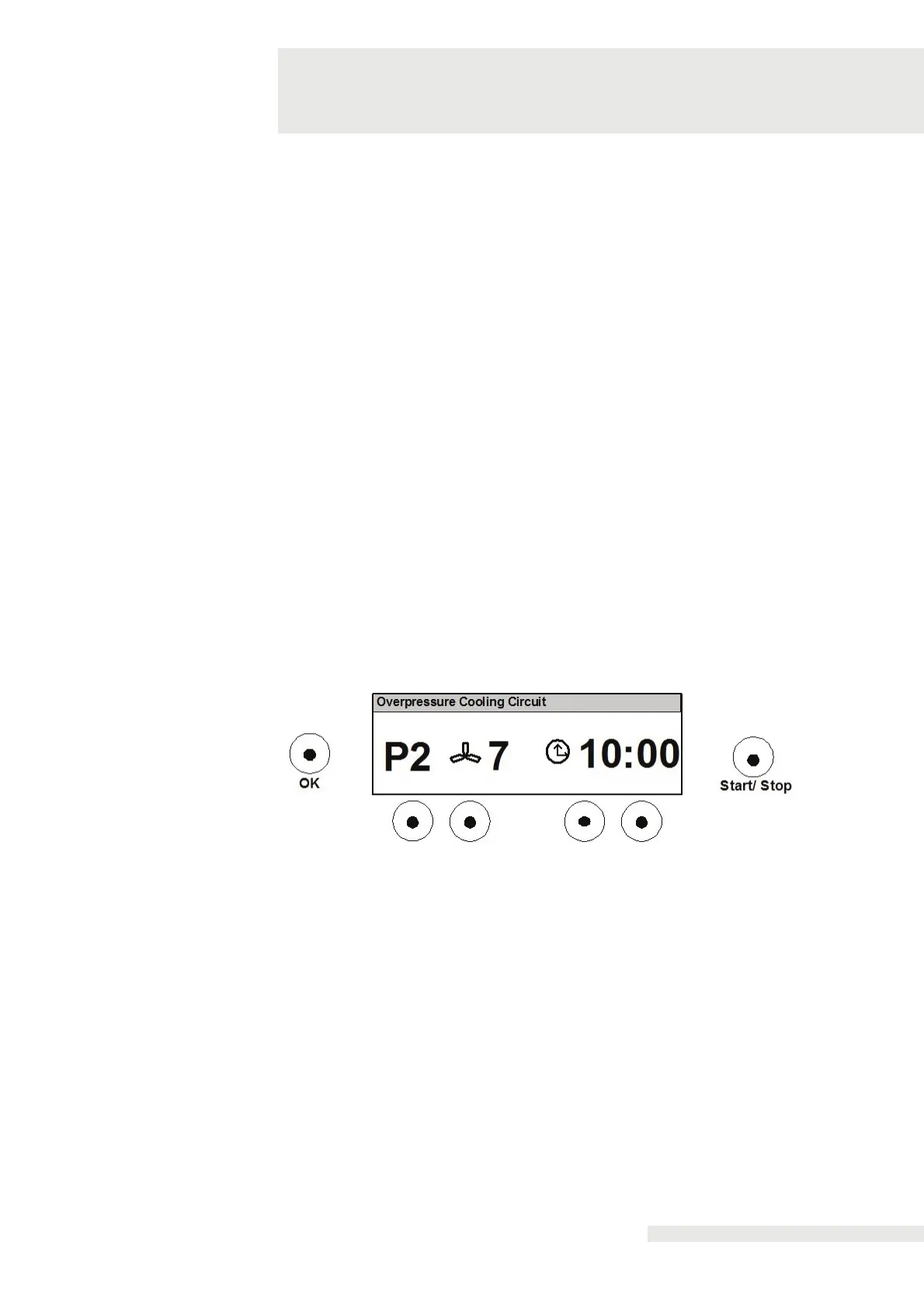
determined, the treatment will be canceled, an error message appears in the top line
of the display and an acoustic signal will sound.
The error message appears in clear text in the top line of the display. If treatment is
no longer possible, the device can only be switched off.
Errors that do not impact further operation of the device can be fixed by switching
the device off, waiting five seconds and switching it back on.
To remove error messages for overheating or excess pressure, the device should
only be switched on after 30 minutes because the device requires time to cool down.
The external and ambient temperatures, which impact the cooling capacity, can be
the cause for this.
If the fault occurs frequently and successively, please inform the customer service.
You can reach customer service via the head office in Neu-Ulm.
For other functional faults, please contact the service department.
Zimmer MedizinSysteme GmbH
Junkersstraße 9
D-89231 Neu-Ulm
Phone +49 731 9761-0


 To Next Page