38
HANDPIECE MODE SELECTION
The MicroChoice™ Controller is equipped with a microcontroller which
allows the user complete system control from within the sterile field. Speed
and irrigation flow can be set and controlled by depressing the Mode Select
Button located on the Handpiece Cord.
Caution: Each handpiece has an initial or default speed and irrigation
setting. The "Operating Speed" identified within the description of each
handpiece is the initial or default setting.
General Mode Selection:
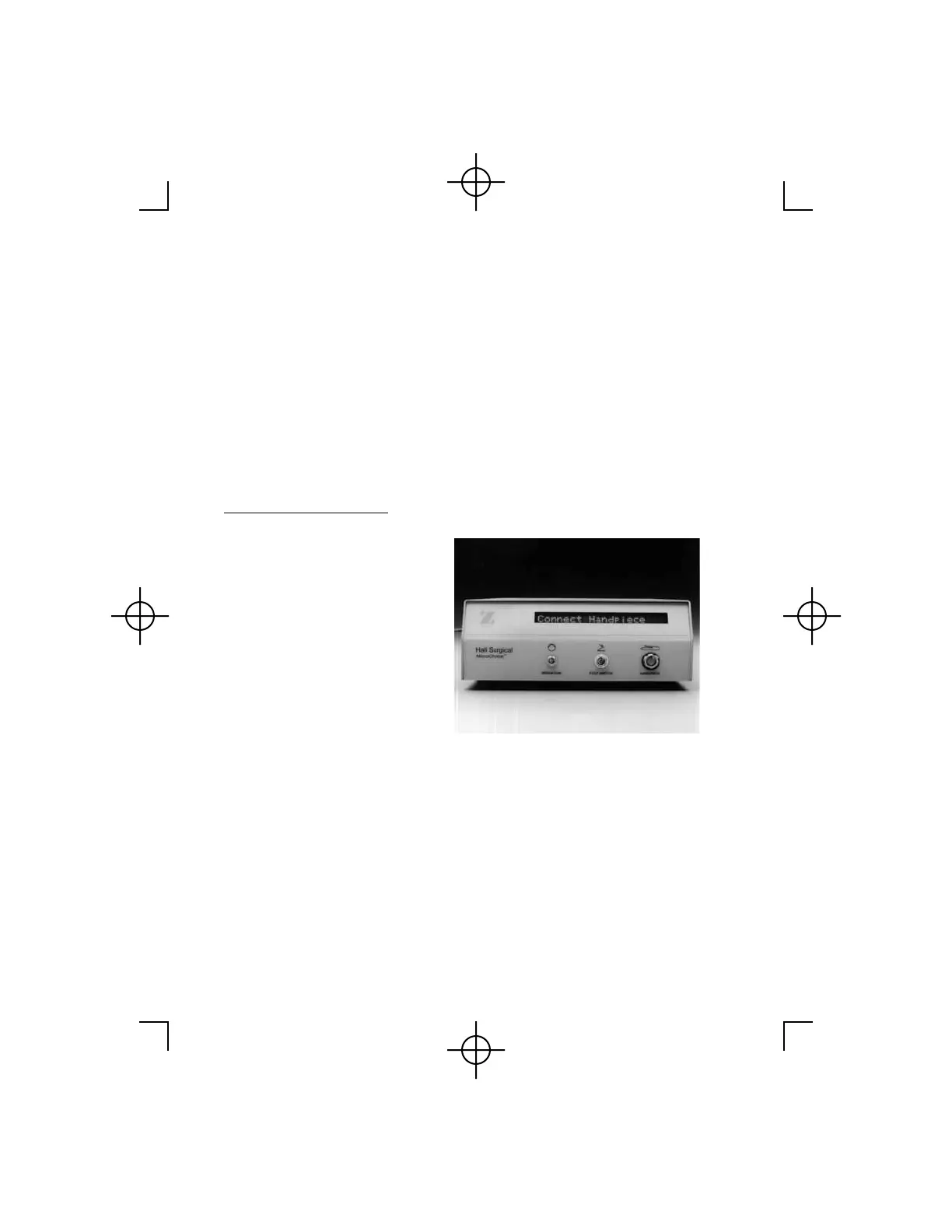
1. Prior to connection, place the
Safe/Run Slide in the "safe"
position. Align the red
indicator dot on the Handpiece
Cord connector with the red
dot above the Handpiece
receptacle on the Controller.
Insert the Handpiece Cord into
the Handpiece receptacle. If
the MicroChoice Controller is
"ON", the display will indicate
CONNECT HANDPIECE.
Attach a handpiece to the cord.
2. The Controller will display the handpiece I.D and its speed followed by
SETTING DONE!!!. Lastly displayed is the handpiece I.D. and SAFE
ON.
3. Move the Safe/Run Slide to the "run" position. The Controller will
display the connected handpiece I.D. along with its default speed setting
(maximum speed displayed in rpm or %).
4. Depress the Activation Lever or Footswitch to activate if the default
speed setting is acceptable.



 To Next Page