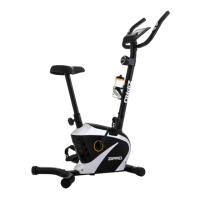
Displays the current heart rate.
The current training heart rate.
Visualisation – the column on the right-hand side of the screen.
HRC max. is calculated from user data.
Green means a low heart rate. Orange means a medium heart rate.
Red means a high heart rate.
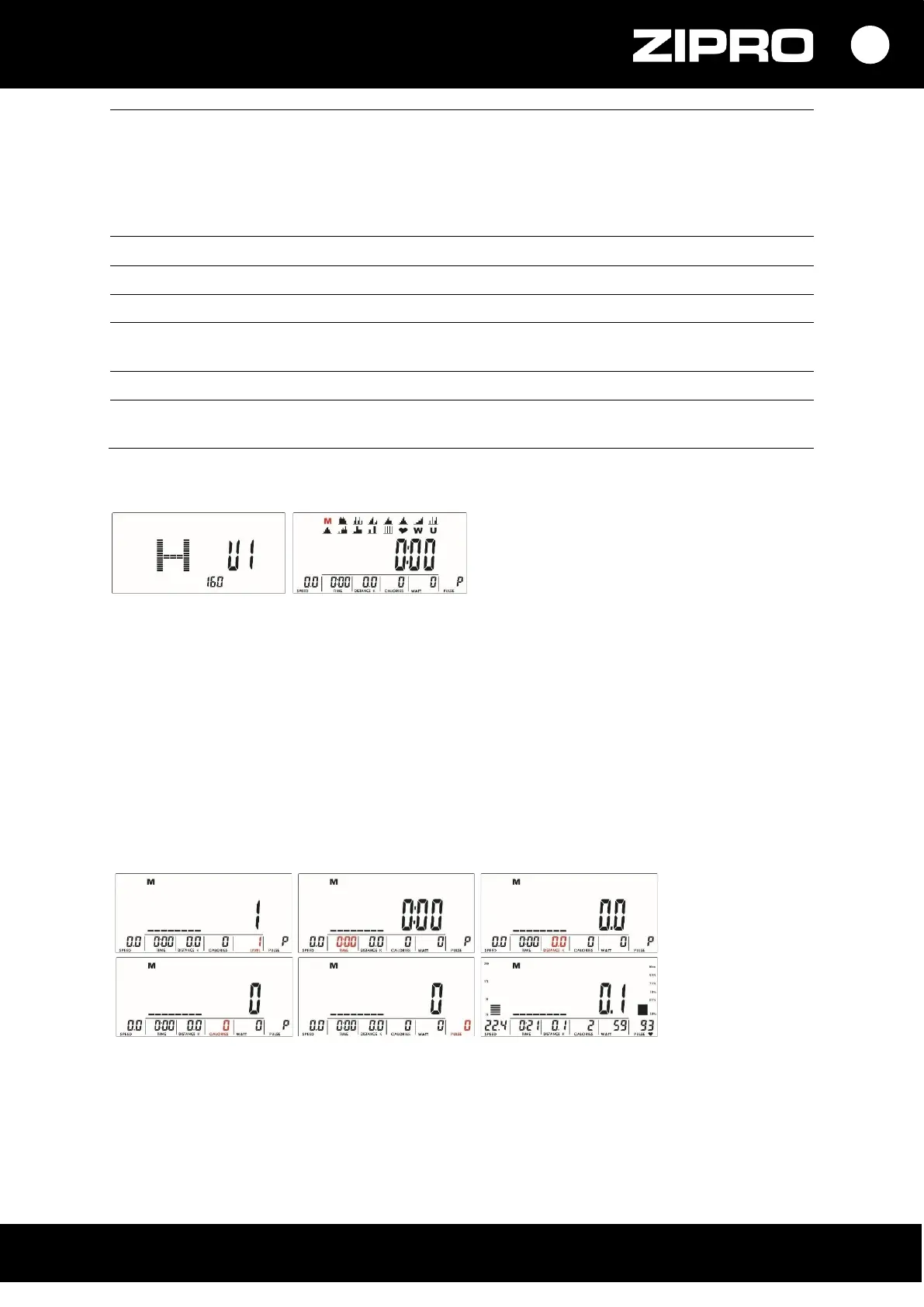
USER SELECTION
When the device is powered, the computer displays a user selection screen.
• Use the UP or DOWN button to select U1 to U4, and then set the SEX, AGE, HEIGHT, and WEIGHT and
confirm with MODE.
• After you complete the profile, the computer displays the home menu.
TRAINING SELECTION
You can choose the programme using the UP and DOWN buttons.
Order: M (Manual) →P (Programme 1 to 12) →♥ (H.R.C) → W (WATTS) → U (User).
Confirm the selection with the MODE button.
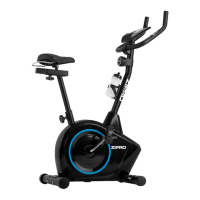
MANUAL PROGRAMME
• Use buttons UP and DOWN to select the M (Manual) programme.
Press the MODE button to confirm your selection.
• Use the UP or DOWN buttons to change the resistance LEVEL. Level 1 is set by default.
• Set the TIME, DISTANCE, CALORIES, and PULSE by pressing the UP or DOWN button.
Confirm your selection with MODE.
• Start the training by pressing the START/STOP button.
You can change the intensity LEVEL during training with the UP and DOWN buttons.


 To Next Page