• Start the training by pressing the START/STOP button.
• The system adjusts the resistance automatically.
You can change the WATT level during training with the UP and DOWN buttons.
• Stop the training by pressing the START/STOP button.
To return to the main menu, press RESET.
CUSTOM PROGRAMME
• Use buttons UP and DOWN to select the U (User) programme.
Press the MODE button to confirm your selection.
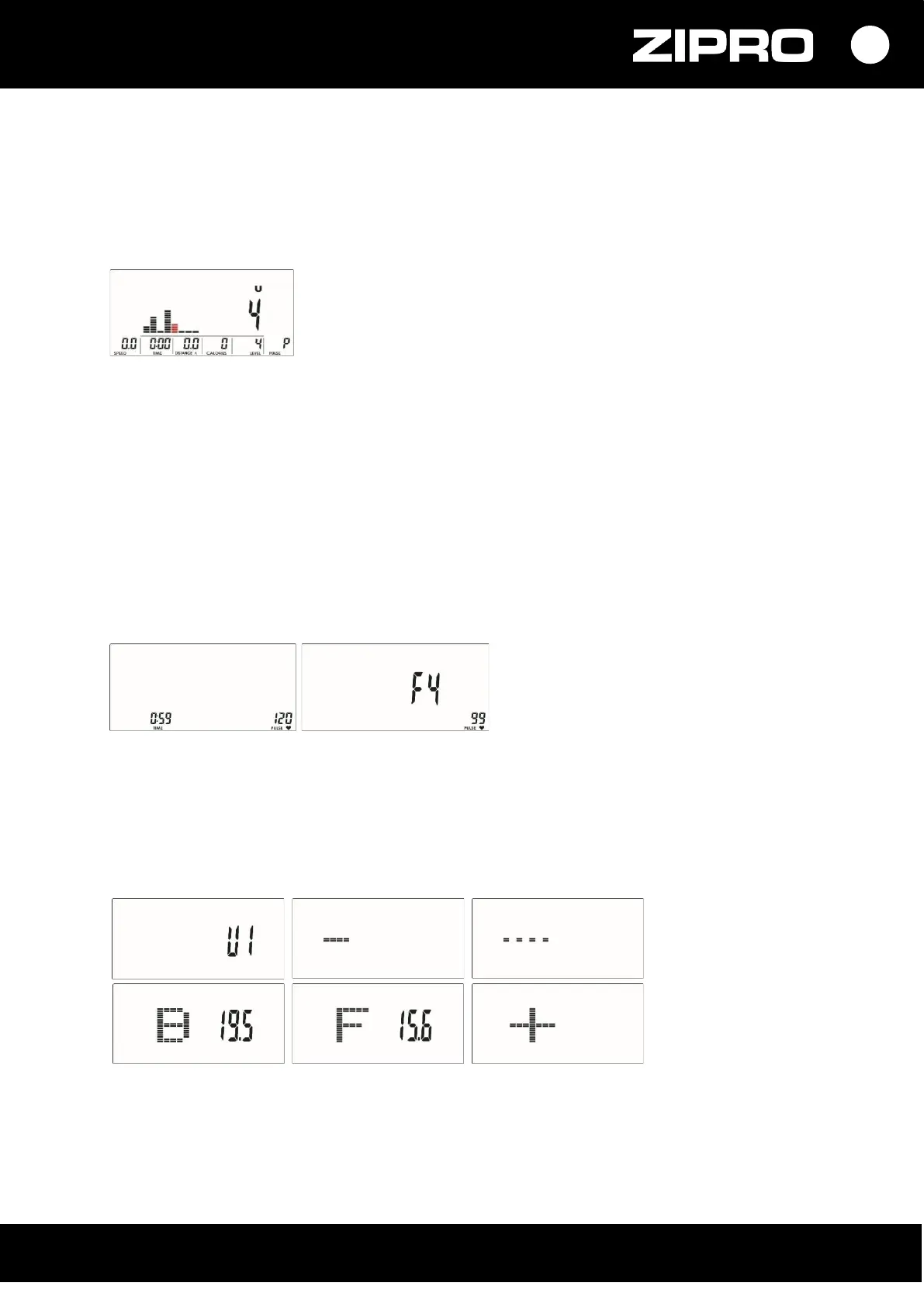
• Use the UP or DOWN buttons to set the resistance level. The training is divided into 8 stages, each
represented by a different column. You can adjust the resistance level for each column.
Hold the MODE button down for 2 seconds to leave during setting configuration.
• Set the training duration (TIME) with the UP or DOWN button.
Confirm your selection with MODE.
• Start the training by pressing the START/STOP button.
• You can change the intensity LEVEL during training with the UP and DOWN buttons.
• Stop the training by pressing the START/STOP button.
To return to the main menu, press RESET.
RECOVERY
• Do not remove your HRC chest strap or hold your hands on the heart rate sensors on the handlebar
after training and press RECOVERY.
• The display counts down from 00:60 to 00:00 and displays a result of F1, F2,… F6.
F1 is the best, F6, the poorest.
• Press RECOVERY again to return to the home screen.
BODY FAT
• In the STOP mode, press the BODY FAT button to start fat tissue measurement.
• The display shows UX and starts the measurement.
Keep your hands on the heart rate sensors during the measurement.
• When the computer detects a heart rate, an image is displayed for 8 seconds until the end of the
measurement.
• The display shows a series of values: BMI, FAT, and BMI tip.


 To Next Page