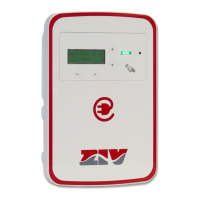
5EVM-D · Electric Vehicle Home AC Charging Station
21
M5EVMD2011I
5EVM-D: Electric Vehicle Home AC Charging Station
© ZIV APLICACIONES Y TECNOLOGÍA, S.L.U. 2020
Configure date/time
Time 15:45
On this screen you can change the date, time and time
zone fields.
The previous editable position is selected. If the
cursor is on the first position, it exits to Configuration.
OK The next editable position is selected. If the cursor is
on the last position, the change is applied (Applied change
is displayed for the defined time) and returns to Start.
Increase/decrease the value.
Users/cards management
On this screen you select whether you want to add or
remove a user card.
Goes to Configuration screen.
↓↑ Line selection.
OK Select the option where the cursor is positioned.
There are two options:
- Add card: Add card.
- Delete card: Delete card.


 To Next Page