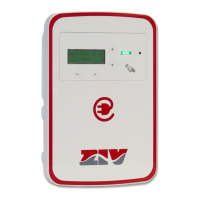
5EVM-D · Electric Vehicle Home AC Charging Station
23
M5EVMD2011I
5EVM-D: Electric Vehicle Home AC Charging Station
© ZIV APLICACIONES Y TECNOLOGÍA, S.L.U. 2020
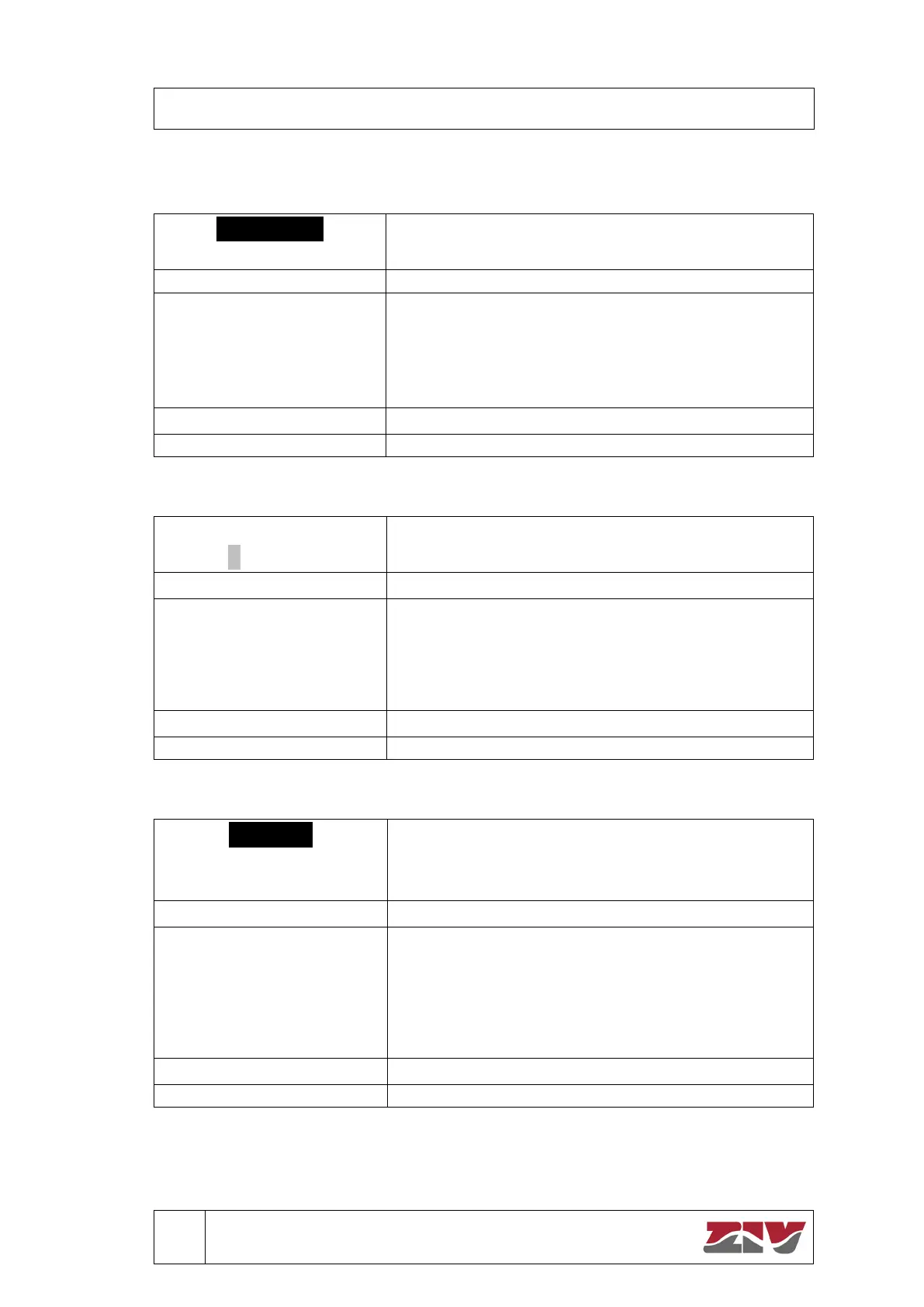
Preferred charge mode
Allows you to change the preferred charging mode for
those models with “free charge” function active.
Goes to Configuration screen.
OK
Confirms your selection. There are two options:
- Immediate: shows Applied change
defined time and returns to Start.
- Deferred: goes to Establish programmed charge.
Contracted power
In this screen you can set the contracted power for those
models with Load Balancing function.
ESC The previous editable position is selected. If the
cursor is on the first position, it exits to Configuration.
OK The next editable position is selected. If the cursor is
on the last position, the change is applied (Applied change
is displayed for the defined time) and returns to Start.
↓↑ Increase/decrease the value.
Language
Basque
Select from the list of available languages.
Goes to Configuration screen.
OK Confirms your selection.
There are three options: Spanish / Basque / English.
The position is selected, the change is applied (Applied
change is displayed for the defined time) and returns to
Start.


 To Next Page