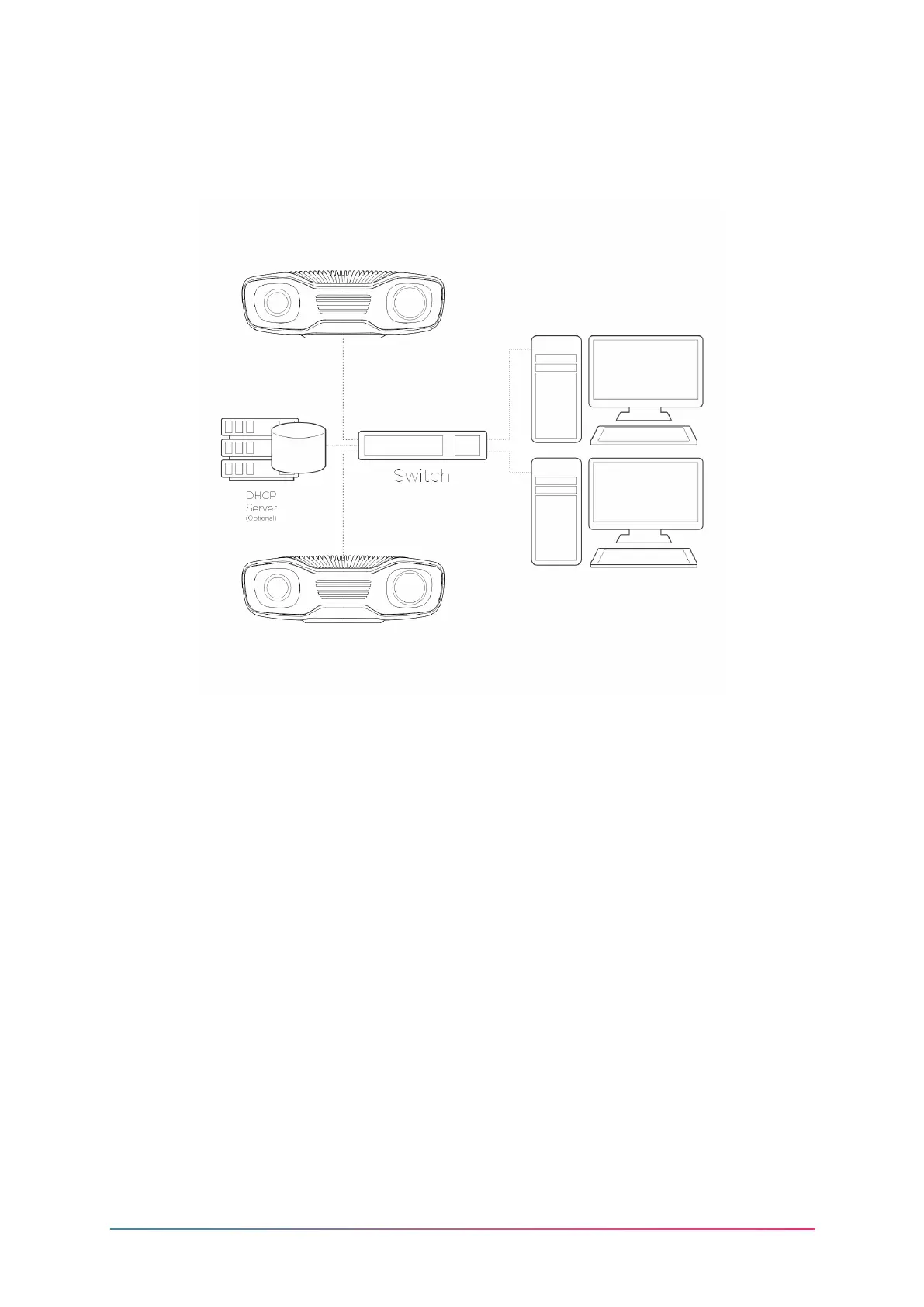
Connection via switch
5.4 Network Conguration
The Zivid Two camera uses Ethernet communication and needs 10 Gbps for best per-
formance. Your computer may not have a port for 10 Gigabit Ethernet. In that case,
you can connect to it using an adaptor for 10GBASE-T (10 Gbps copper Ethernet) to
Thunderbolt 3. At a reduced performance you can also use 1000BASE-T and NBASE-
T (1 Gbps, 2.5 Gbps, and 5 Gbps over copper) to USB adapters.
Zivid Two has a factory default IP address: 172.28.60.5. To connect to the camera you
must set up the network interface.
IP address: 172.28.60.1
Subnet mask: 255.255.255.0
Rev 1.0 - 9/2021 15 Zivid.com



 To Next Page