EasyManua.ls Logo

ZMARTFUN ZMF-II - User Manual

ZMARTFUN ZMF-II
12 pages
Print Icon
To Next Page IconTo Next Page
Loading...
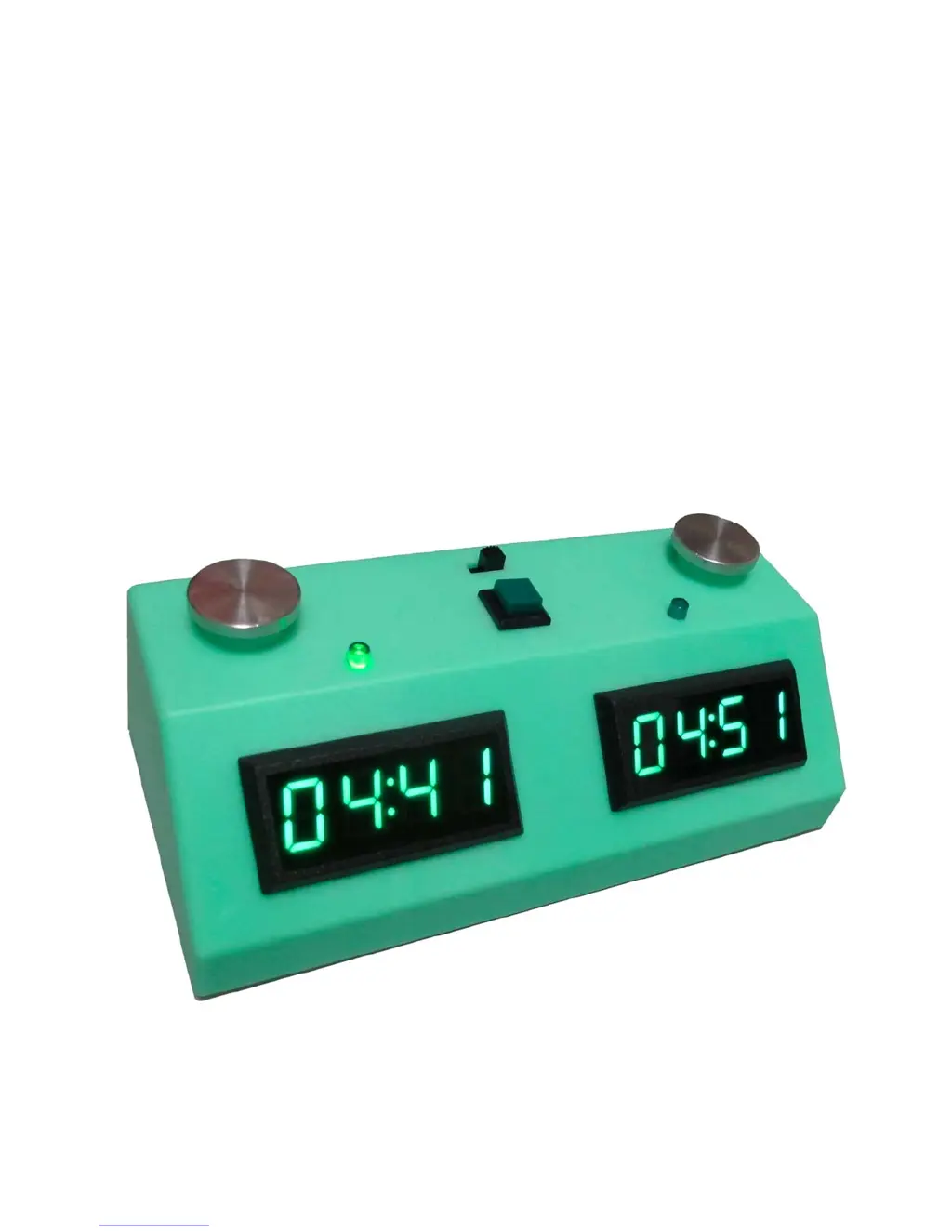
ZMF-II
CHESS CLOCKS
ZMARTFUN ELECTRONICS, INC.
Manual version v1.5, 11-10-2014

Questions and Answers

  • J
    James SteeleJul 27, 2025
    Why is my ZMARTFUN ZMF-II display dim and acting erratically?
    • K
      Kayla EricksonJul 27, 2025
      If your ZMARTFUN Clock's display is dim and it's changing turns erratically, this usually means the batteries are running low. Replace the batteries to restore normal operation and brightness.
  • L
    Linda Cannon DVMAug 3, 2025
    What to do if my ZMARTFUN ZMF-II Clock is not working after replacing the batteries?
    • D
      Damon KaiserAug 3, 2025
      If your ZMARTFUN Clock isn't working after a battery replacement, ensure the batteries are installed with the correct polarity, matching the markings in the battery holder. Also, check the on/off slide switch to confirm it's in the 'on' position.
  • M
    Michelle FrostAug 11, 2025
    How to turn on the sound on ZMARTFUN ZMF-II Clock?
    • K
      Kenneth MorenoAug 11, 2025
      To enable the sound on your ZMARTFUN Clock, change the sound setting from "SOUN OFF" to "SOUN ON" in the menu options.
  • J
    Jonathan CantuAug 18, 2025
    How to enable LED indicators on ZMARTFUN Clock?
    • W
      wfranklinAug 18, 2025
      To activate the LED light indicators on your ZMARTFUN Clock, set the menu option from "LED OFF" to "LED ON".

Summary

Product Description

Menu Options

Quick Time Change

Allows quick adjustment of the clock's time setting.

Set Time in Hours and Minutes

Procedure to set the clock time using hours and minutes.

Set Time in Minutes and Seconds

Procedure to set the clock time using minutes and seconds.

Set Delay

Configures the delay timing mode (Flashing, Countdown, Time only).

Set Increment

Configures the increment timing mode, setting seconds per move.

Set Tournament Modes

Sets up tournament timing modes with multiple time controls and moves.

Set Hourglass Mode

Enables and configures the Hourglass timing mode.

Set Byo-yomi Mode

Configures the Byo-yomi timing mode with periods and seconds.

Set Scrabble Mode

Enables and configures the Scrabble mode timing.

Set Score Keeper Mode

Activates the Score Keeper mode, disabling timers.

Set LED Indicators to On;Off

Controls the on/off state of the LED indicators.

Set Sound to On;Off

Controls the on/off state of the unit's sound.

Exit Menu

Exits the menu and starts a new game with saved settings.

Penalty Time Changes

Replacing Batteries

Returns

Technical Specifications

Troubleshooting

ZMARTFUN ZMF-II Specifications

General IconGeneral
BrandZMARTFUN
ModelZMF-II
CategoryClock
LanguageEnglish