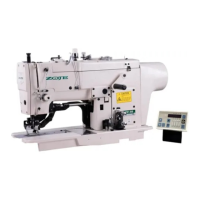
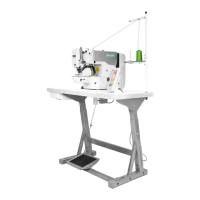
Operation and Debugging 20X Bar-tacking and Button Sewing Machine(LCD N)
61
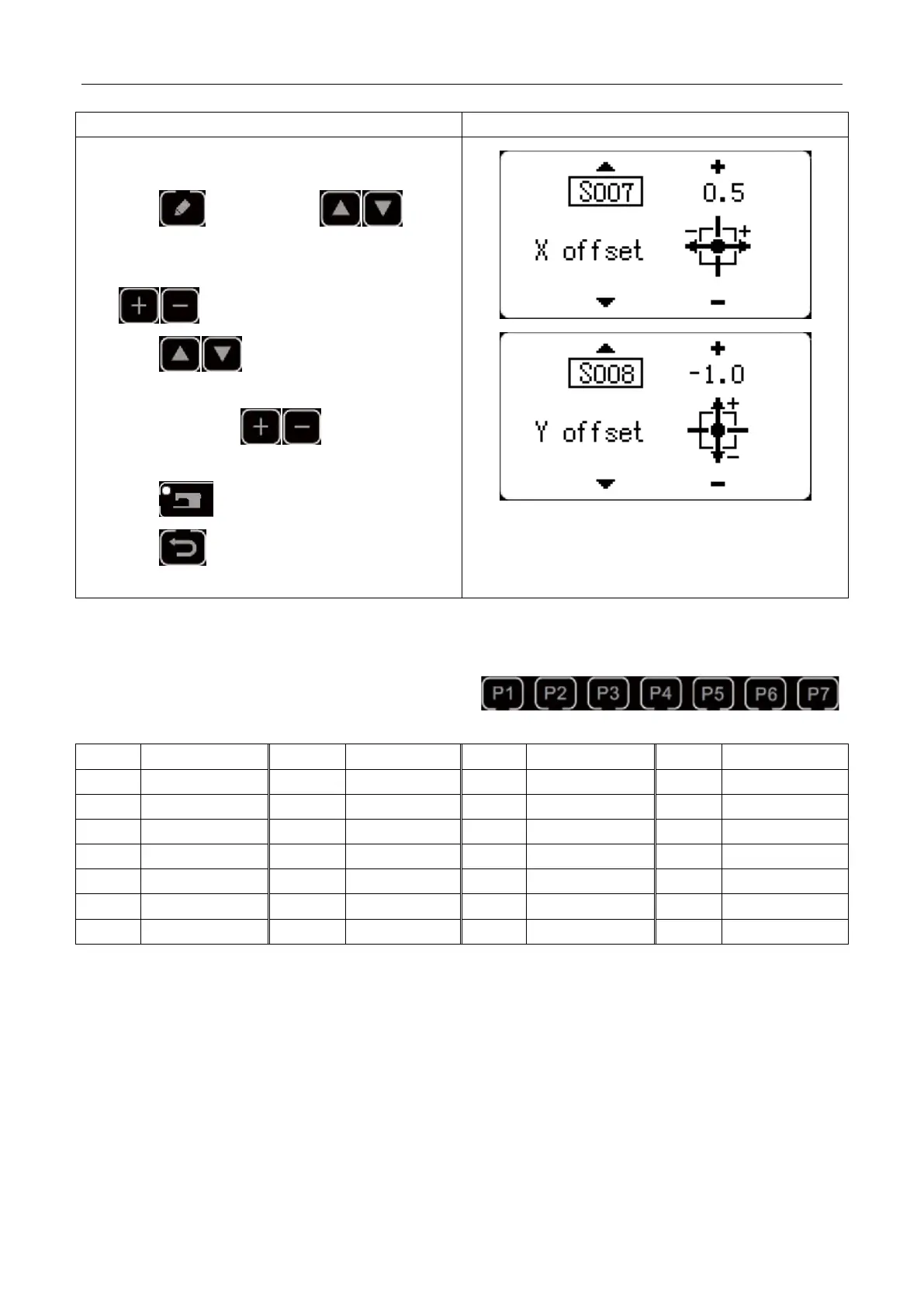
10) Set separately the X scale rate as 0.5, Y scale rate as
-1.0.
11) Press key , then press key
and X scale rate will be displayed as 0.0. the
increment of X scale rate can be set as 0.1mm. Press
key to change the data into 0.5.
12) Press key and Y scale rate will be
displayed as 0.0. The increment of Y scale rate can be
set as 0.1mm. Press key to change the
data into -1.0.
13) Press key to complete setting.
14) Press key to complete pattern registering
method.
User can register patterns (No.1~200) to P1~P99. Patterns can be registered after changing scale rate, max. rotation
speed, thread tension and sewing position. User can also use pattern No. rolling window to register pattern. P1~P25
can be displayed at the same time.
* When selecting P6~P25, user can use the combination of
keys (press simultaneously) to sew.
2.5.2 Group Sewing (Cyclic Sewing)
This machine can be used to sew several patterns in order cyclically.
Up to 99 patterns can be inputted. In addition, 99 data of group sewing can be registered. If necessary, please make
a copy for future use.
(1) Cyclic Data Selection



 To Next Page