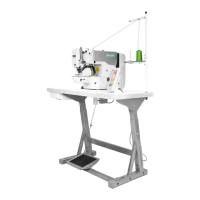
Operation and Debugging 20X Bar-tacking and Button Sewing Machine(LCD N)
63
editing.You can repeat the above ateps if required.
7) Delete/Cancel pattern data
Press key to delete the pattern data. Press key to cancel pattern data input and return to input
mode.
(3) Sewing Operation
1) Turn on the power.
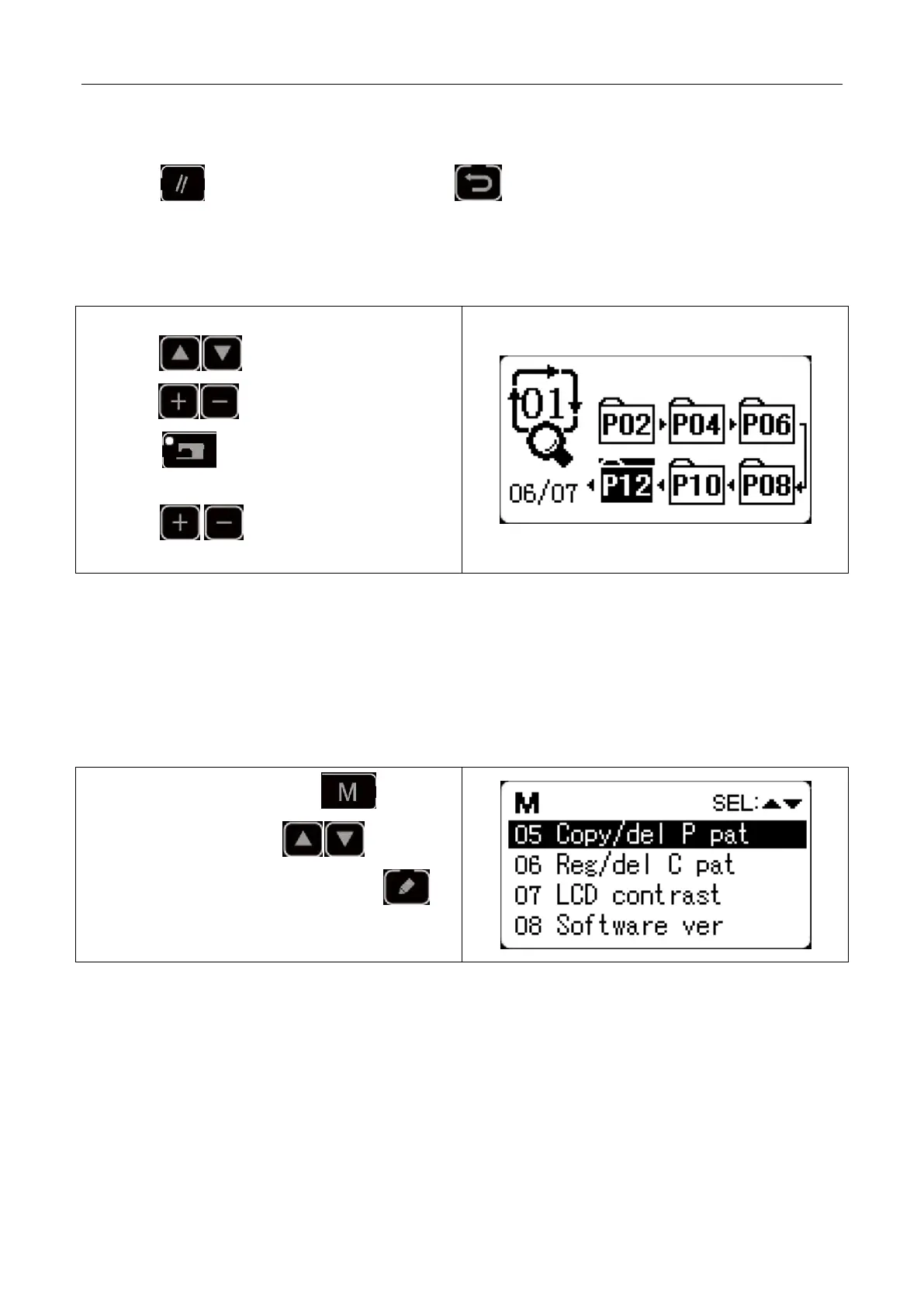
2) Press key to select cyclic pattern and
press key to select the pattern No.
3) Press key and sewing LED lights up.
Presser foot will move and then lift.
4) press key ,you can choose to sew
sub-patterns.
2.6 Copy/Delete P Pattern and C Pattern
Registered P patterns can be copied into new P patterns, so are C patterns. Existing P patterns or C patterns can
also be deleted (the last C pattern cannot be deleted).
2.6.1 Copy/Delete P Pattern
1) When sewing LED is off, press key to
enter system menu, press key to select
“05 copy/delete P pattern” and then press
key to enter this mode.



 To Next Page