User Manual
20 Manual del usuario V 12/17
H Settings, to be carried out only by an accredited installer
The settings of the ZEBRA timer-thermostat should only be
carried out by an accredited installer to ensure correct
operation of the whole system.
Access to the settings menu and day copying
1 To enter the programming menu, first of all turn off the
ZEBRA thermostat.
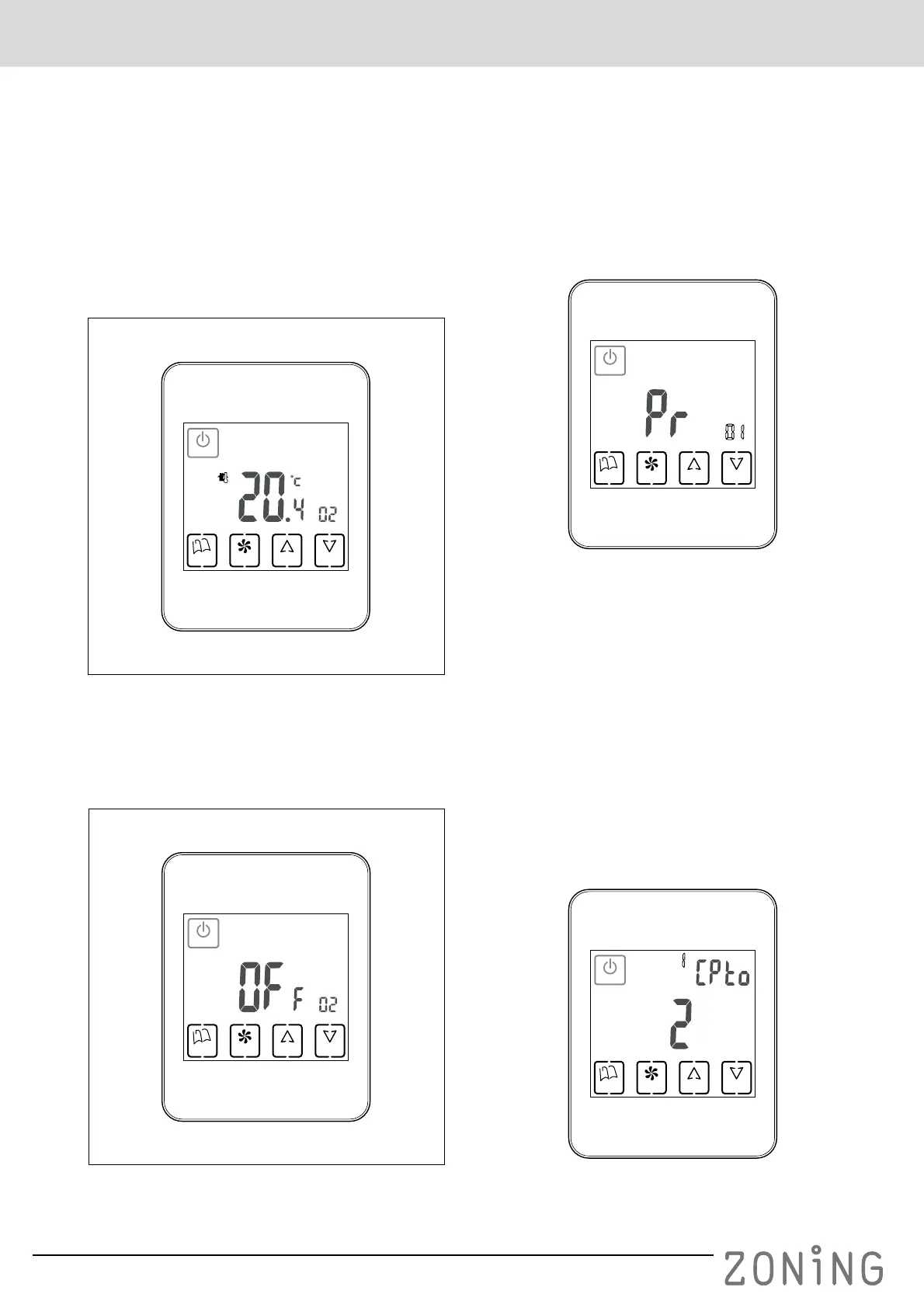
– If this thermostat is configured as the Slave, to turn it
off press the “POWER” button so that a screen like
the following one appears:
Fig. 8 Slave thermostat turned off, to enter the settings
– If this thermostat is configured as the Master, to turn
it off press the “POWER” button continuously for 3
seconds so that a screen like the following one
appears:
Fig. 9 Master thermostat turned off, to enter the settings
2 Once the thermostat has been switched off, press
“MODE” continuously for at least 5 seconds, until a
screen like the following one appears:
– The figure “01” indicates that you are in the setting
No. 1 menu. As it is flashing, it is possible to move
through the different menus using the “UP” and
“DOWN” buttons.
In total there are 17 settings menus.
– Once you are in the required menu, press “FAN” to
enter that menu.
– You can use the “UP” and “DOWN” buttons to
change the values and the “FAN” button to confirm
and move on to the next step of the settings.
3 When you want to exit the settings, press “MODE”.
4 If you want to access the day copying, with the
thermostat switched off, press “FAN” (instead of
“MODE”) continuously for at least 5 seconds and the
following screen will appear:
POWER
UP DOWNFANMODE
ID
POWER
UP DOWNFANMODE
ID
POWER
UP DOWNFANMODE
ID
Fig. 10
POWER
UP DOWNFANMODE
ID
Fig. 11


 To Next Page