15
equipment;
2. Based on the file encoding method, some files may not open properly.
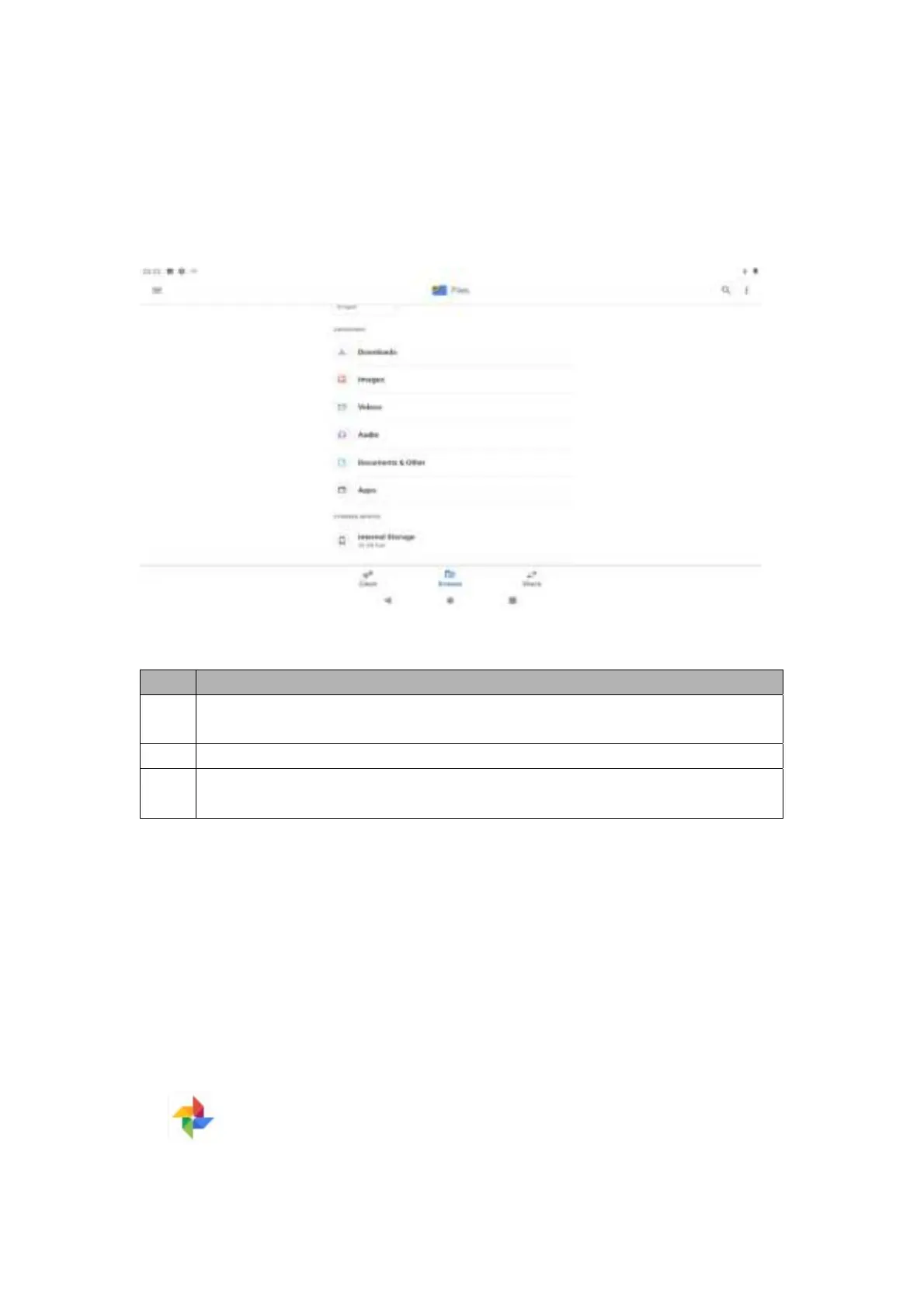
Users can browse and open the file manager to view downloaded content, pictures or videos,
audio files, documents and other files, applications, etc.
Note: when storing many files, it may take some time to load the files.
Supported file formats
Type Format
Pictur
e
JPEG, GIF, BMP,
PNG and other formats
Video MPEG4-SP, H.264/AVC,H.263,3GP,3G2,MP4,MKV,AVI,WEBM and other formats
Audi
o
MP3,MP2, AMR,AWB,APE,M4A, MIDI, OGG,WAV,FLAC,
3GP and other formats
Note: based on the file encoding format, some files may not play normally.
Browsing pictures
1. Select the picture folder to enter, click the picture to be viewed, and slide left or right
after entering to browse the previous/next picture;
2. Users can click on the screen with two fingers, then slide fingers outward simultaneously
to enlarge the picture, and close fingers slowly to zoom out the picture, or double-click
the screen.
3. To play the picture automatically, click the main application interface and click the
Album icon to enter the album; after clicking the picture, choose to play the slide


 To Next Page