6 Zoom ADSL USB Modem Installation
Uninstalling Your Modem
If you ever want to uninstall your ADSL modem, you’ll find the
process is simple. Note: Make sure you first unplug the USB
modem cable from the computer. Then follow these steps:
1
11
1
Select Start | Programs | DSL Modem Driver.
2
22
2
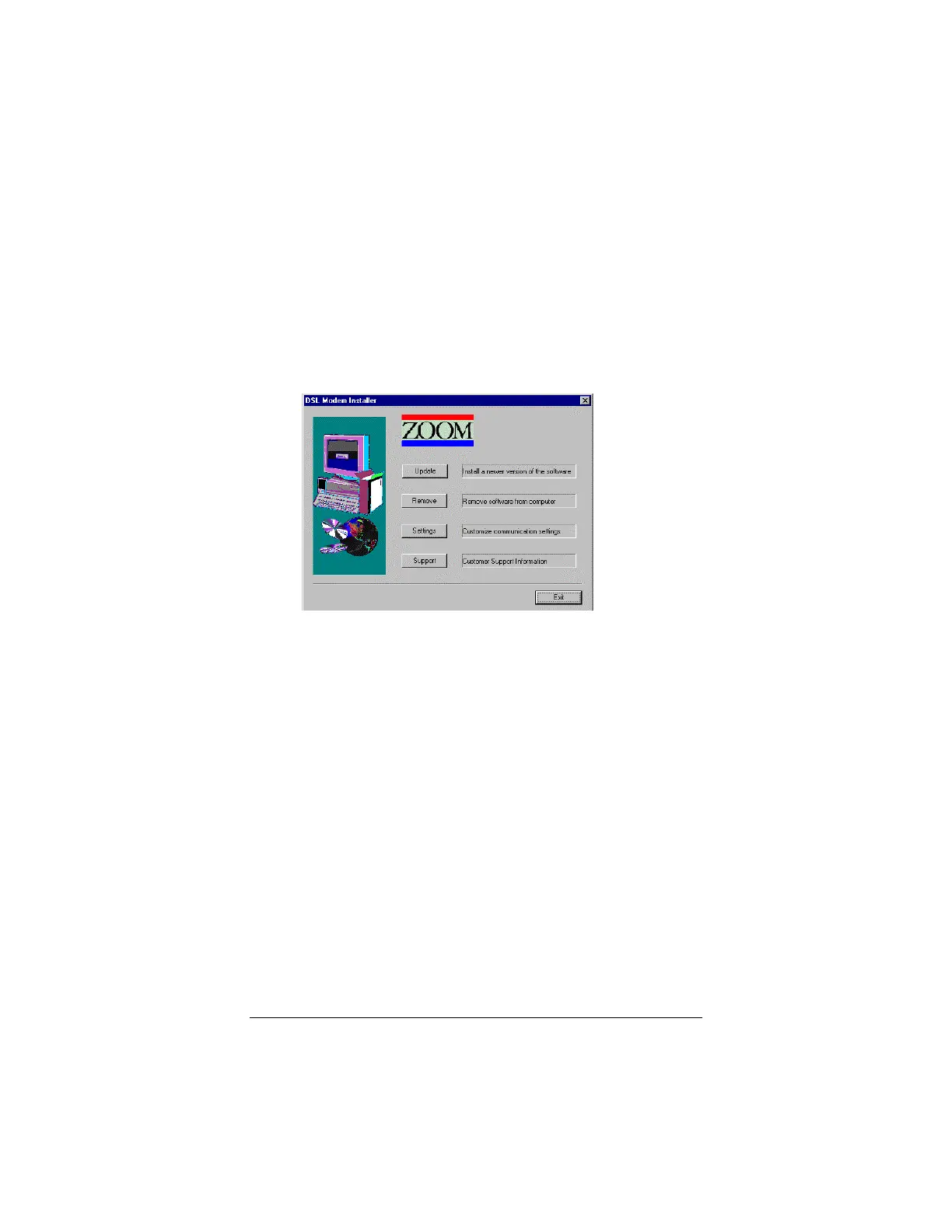
Click Uninstall. You’ll see the following screen.
3
33
3
Click the Remove button. That’s it!



 To Next Page