4 Zoom ADSL USB Modem Installation
3
33
3
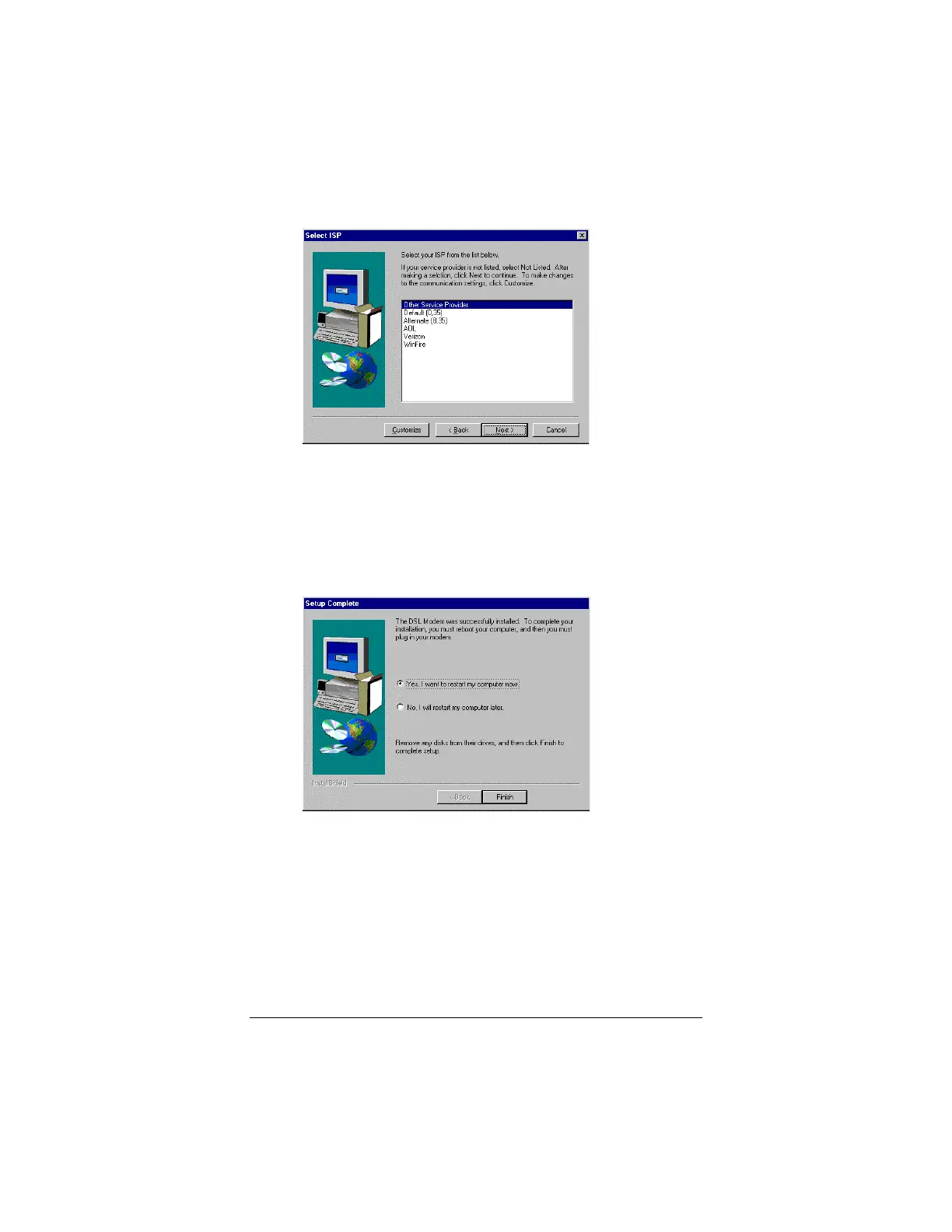
You’ll see the following Select ISP screen.
Select the entry recommended by your ISP. Note: In most
cases, the Default (0,35) entry will suffice.
Click Next.
4
44
4
When the process is complete, you will be prompted to
restart your computer. Be sure to remove any floppy
diskettes or CDs.
Connecting the Modem
The next stage, connecting your ADSL USB modem to your
computer, is easy. Follow these steps.
1
11
1
Plug the rectangular end of the supplied USB cable into the
USB port on your computer.
2
22
2
Plug the square end of the USB cable into the USB jack on
the back of the modem.



 To Next Page