Using the Configuration and Monitoring Application 7
Using the
Configuration and
Monitoring
Application
This section provides a quick step-by-step explanation on how
to use the DSL configuration and monitoring application that
comes with your Zoom modem. This customized application
simplifies the use and maintenance of your ADSL modem and
Internet connections.
Physical Link Status & System Information
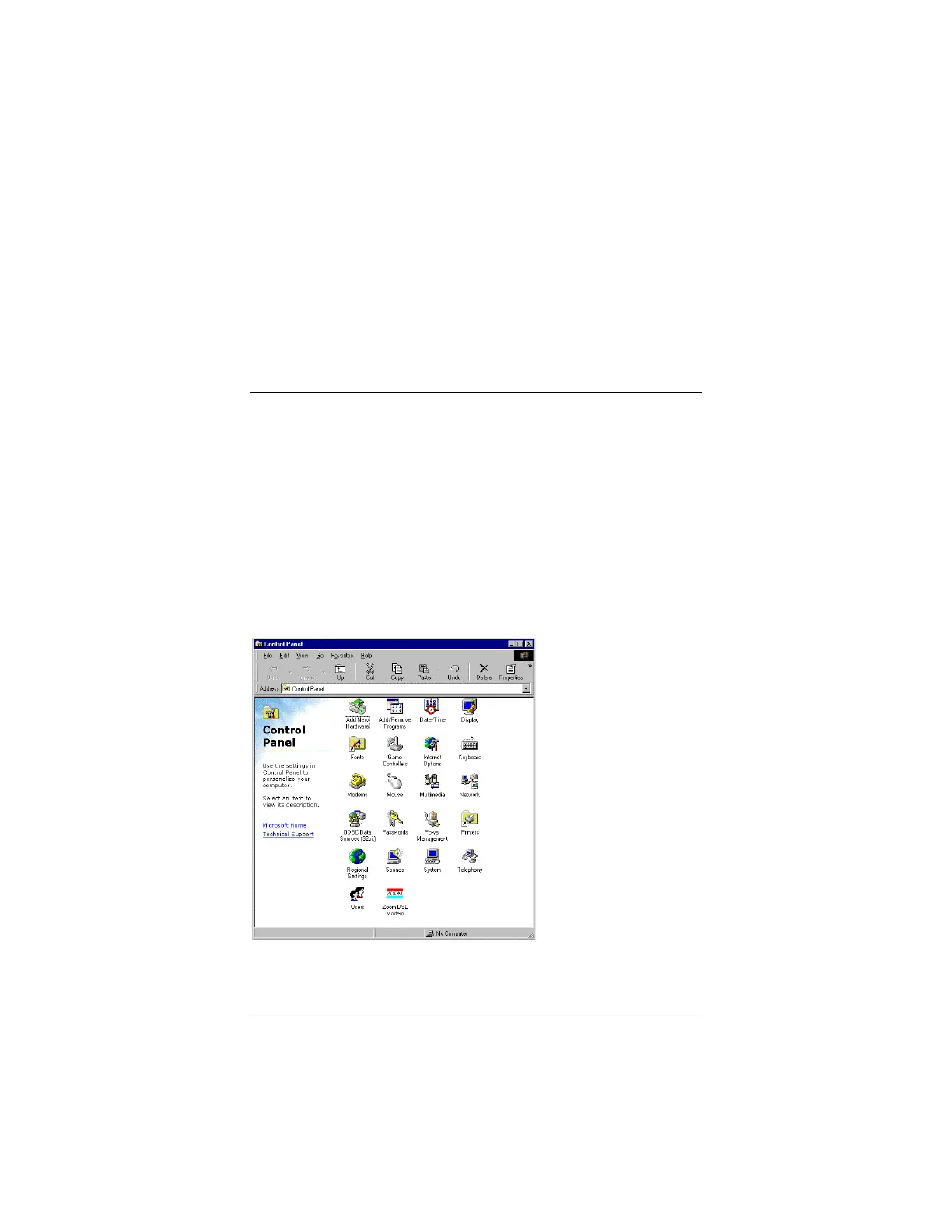
From the Start menu, select Settings | Control Panel. From the
Control Panel folder, double-click on the icon labeled Zoom DSL
Modem.



 To Next Page