8 Zoom ADSL USB Modem Installation
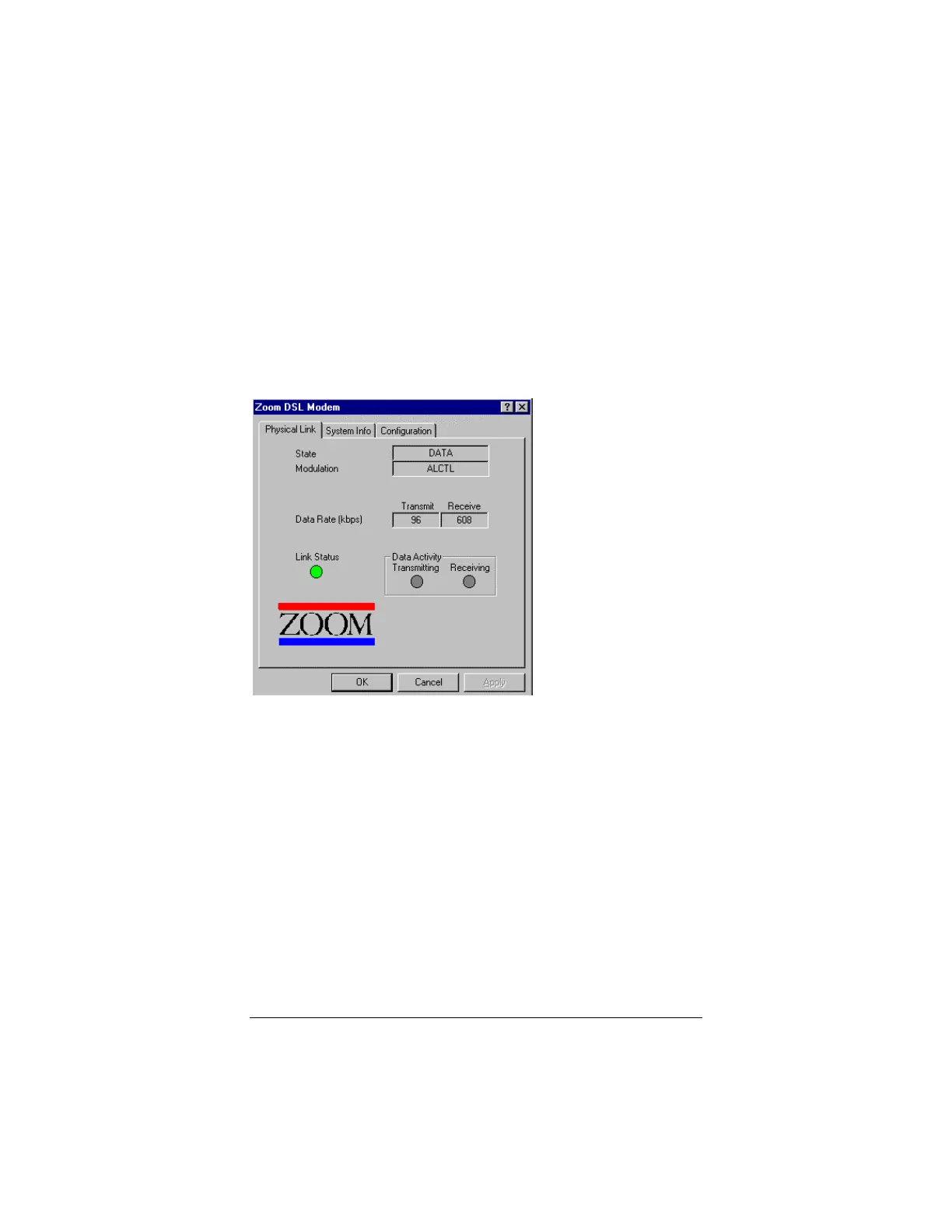
A dialog box with three tabs—Physical Link, System Info, and
Configuration—will appear.
Clicking on the Physical Link tab allows you to review the current
state of your connection. If the green indicator is “steady on” in
the Link Status field, the modem is successfully connected. If the
modem is in the process of making a connection, the indicator will
be blinking. Transmitting and Receiving data activity are shown
separately by individual flashing yellow indicators.
Clicking on the System Info tab displays the driver release
number, and firmware revision number. This information will
prove useful if you ever need help from our Technical Support
team.



 To Next Page