Installing Your ADSL USB Modem 3
Installing your ADSL
USB Modem
Setting up the Zoom ADSL USB modem involves three stages:
• Installing the drivers.
• Connecting the modem to the computer.
• Connecting to the Internet.
This section also includes instructions on how to uninstall your
modem.
Installing the Drivers
The first stage is to install the USB drivers. Follow these steps:
1
11
1
Insert the supplied CD into your CD-ROM drive. The CD
should auto-run after a few seconds. If it doesn’t, click
Start | Run from the desktop and type e:\setup.exe,
where e is the letter of your CD-ROM drive. Click OK.
2
22
2
Following the prompts, you’ll see a Welcome screen. Click
Next.
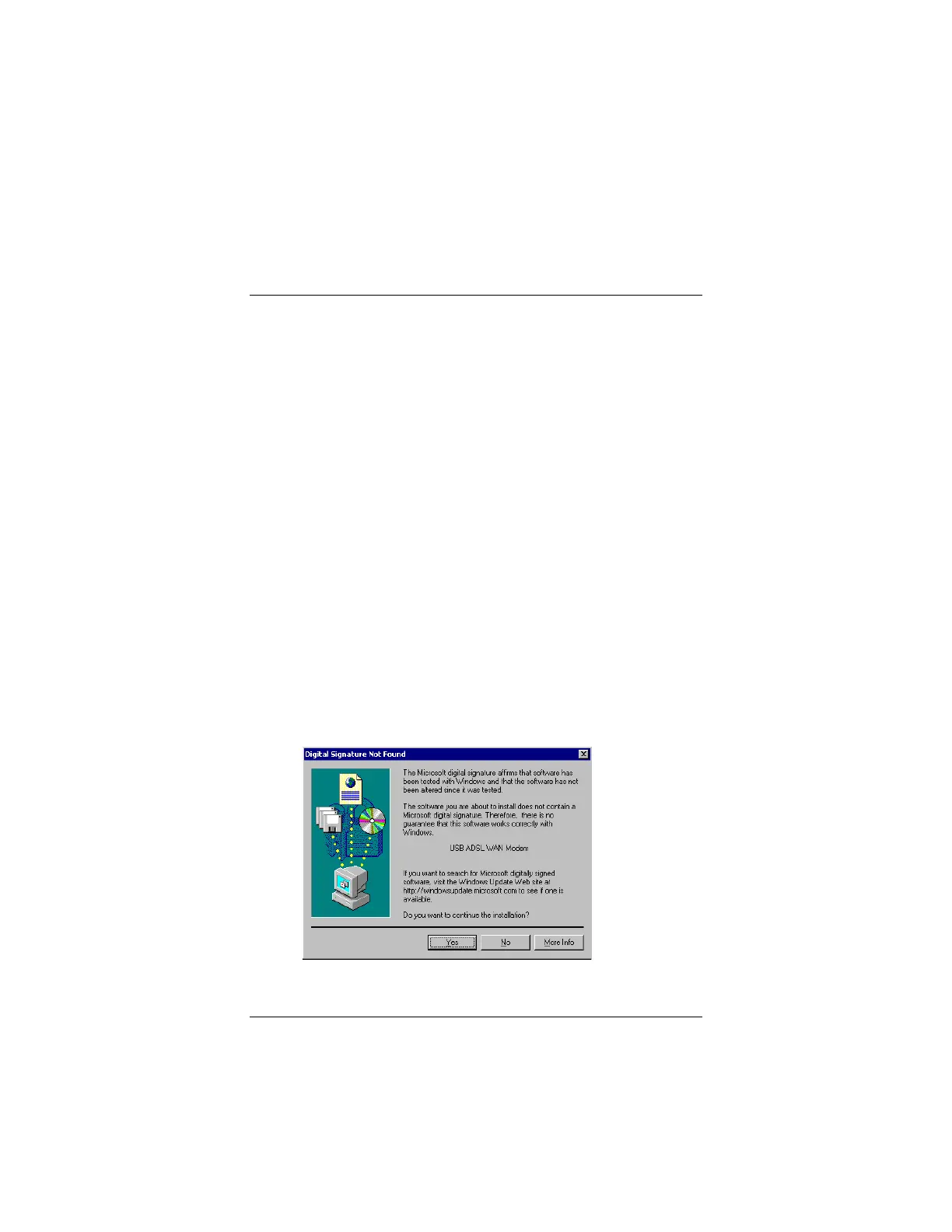
Note: If you are using Windows 2000, you may see the
following screen. You can safely ignore this screen and click
Yes.



 To Next Page