23
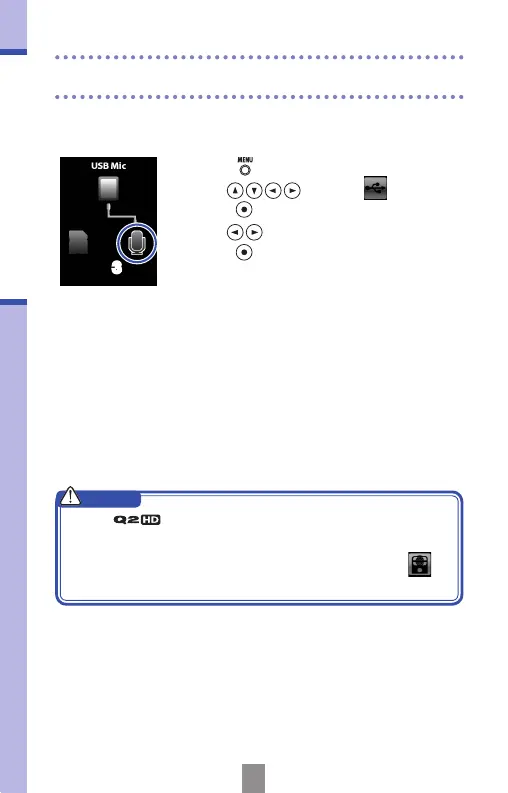
Using as a USB mic with an iPad
Using as a USB mic with an iPad
3
1.
Press to open the Main Menu.
2.
Use to select
USB
and
press
.
3.
Use to select the mic icon and
press
.
4.
Use the Apple Camera Connection Kit to
connect the recorder with an iPad by USB
cable.
• The iPad should recognize the recorder.
5.
When you have nished, disconnect the
USB cable.
You can use this recorder as a USB mic by connecting it to an
iPad using an Apple Camera Connection Kit.
• If the does not have batteries or enough
remaining battery charge, it cannot be used as a USB
mic with an iPad.
• While using the recorder as a USB mic, you can use
INPUT
functions and adjust the mic angle.
CAUTION



 To Next Page