Need help?
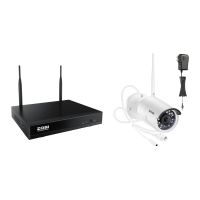
Do you have a question about the ZOSI ZR08GP and is the answer not in the manual?
Details the ports and features of the NVR unit.
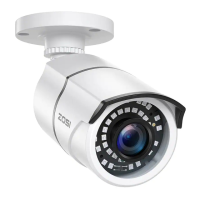
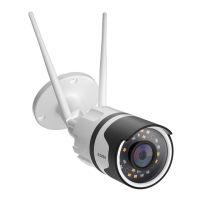
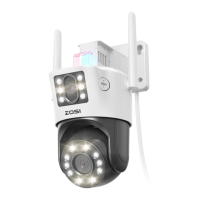
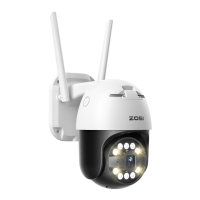
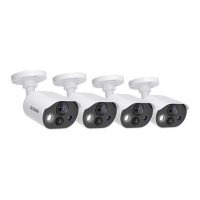
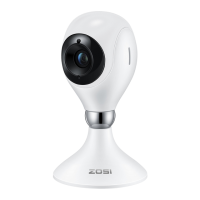
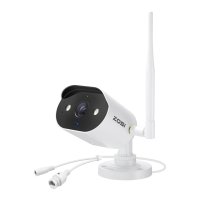
Details the ports and features of the camera unit.
Explains the basic architecture of the wireless NVR system.
Provides a step-by-step guide for connecting the NVR, monitor, mouse, and power.
Outlines the physical steps for mounting and installing the camera.
Offers recommendations for optimal camera placement and positioning.
Guides the user through the process of installing a hard drive into the NVR.
Instructions for installing and setting up the ZOSI Smart App for remote viewing.
Explains how to use the two-way audio feature via the mobile app.
Instructions for logging into or registering for the AVSS PC client.
Covers adding and managing connected devices within the AVSS client.
Steps for configuring device settings like password, detection, and WiFi.
Instructions for selecting channels to view live camera streams.
Steps to replay recorded video footage from the system.
 General
| Field of View | 90° |
|---|---|
| Number of Channels | 8 |
| Weather Resistance | IP66 |
| Motion Detection | Yes |
| Connectivity | Wired |
| Power Supply | 12V DC |
| Remote Access | Yes |
| Mobile App | ZOSI Smart App |
| Lens | 3.6mm |
| Storage | HDD (Not Included) |
| Resolution | 1080p Full HD |

 To Next Page