24
Google™ Mobile Services
• Gmail – The Google mail service. Your Gmail
account lets you access many Google-related
services as well as the Google Play™. (See “Set
Up a Gmail Account” on page 18.)
• Google Talk – Google’s instant messaging
service. Touch
>
> Talk to begin using
the service. (If you’re signed in to your Gmail
account, you are already signed in to Google
Talk.)
• Google Maps and Google Navigation – The
Google location programs let you track your
current location, view real-time traffi c situations,
and receive detailed directions to your destination.
They also provide search tools where you can
locate places of interest or an address on a vector
or aerial map, or view locations in street level.
Touch
>
> Maps or Navigation to begin
using the services.
• YouTube – View and share videos on one of the
Web’s most popular video sites. Touch
>
> YouTube to browse through and view
available videos. Sign in with your Gmail account
to upload your own videos.
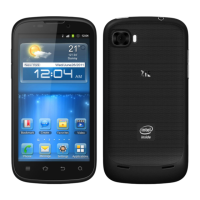
Your Sprint Flash provides easy access to a variety of Google services including Gmail™,
Google Talk™, Google Maps™, Google Navigation, and YouTube™.
visit sprint.com/support for complete user guide 9
Android Basics
Open Apps
• If an app is on one of your Home screens, just
touch it to open it.
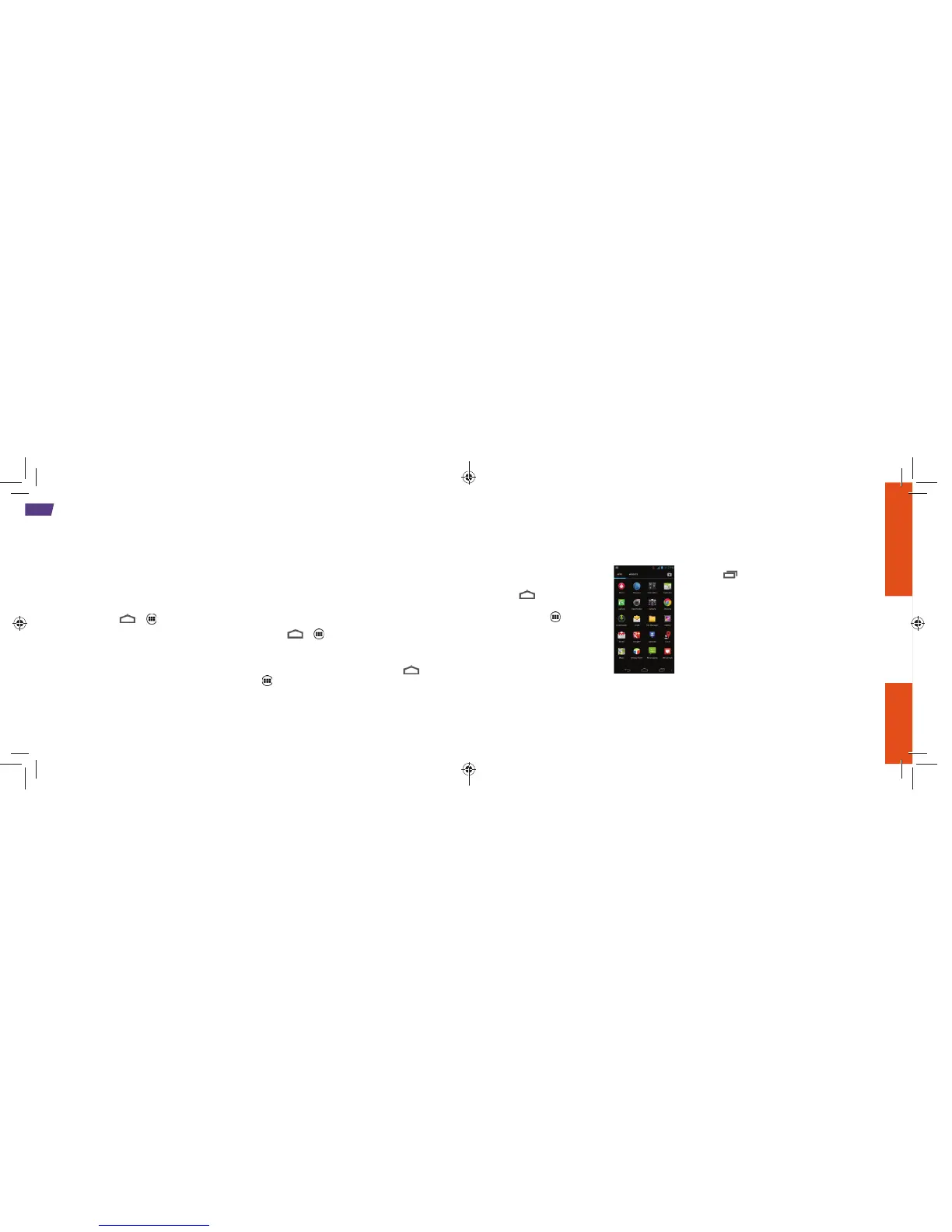
• If an app is not available
from your Home screen,
touch (if you’re not
already on the Home
screen), touch to display
the apps list, and then touch
the app icon from the
alphabetical list. You may
have to scroll right or left
to fi nd the app you’re
looking for.
Access Recently-Used Apps
Your phone keeps a running list of your most
recently used apps.
1. Touch to open the recently-used apps
window.
2. Touch an icon to open an app.



 To Next Page