9
Connecting to Your Device
Via Wi-Fi
1. Power on your device directly. It will take 1~2 minutes
to initialize.
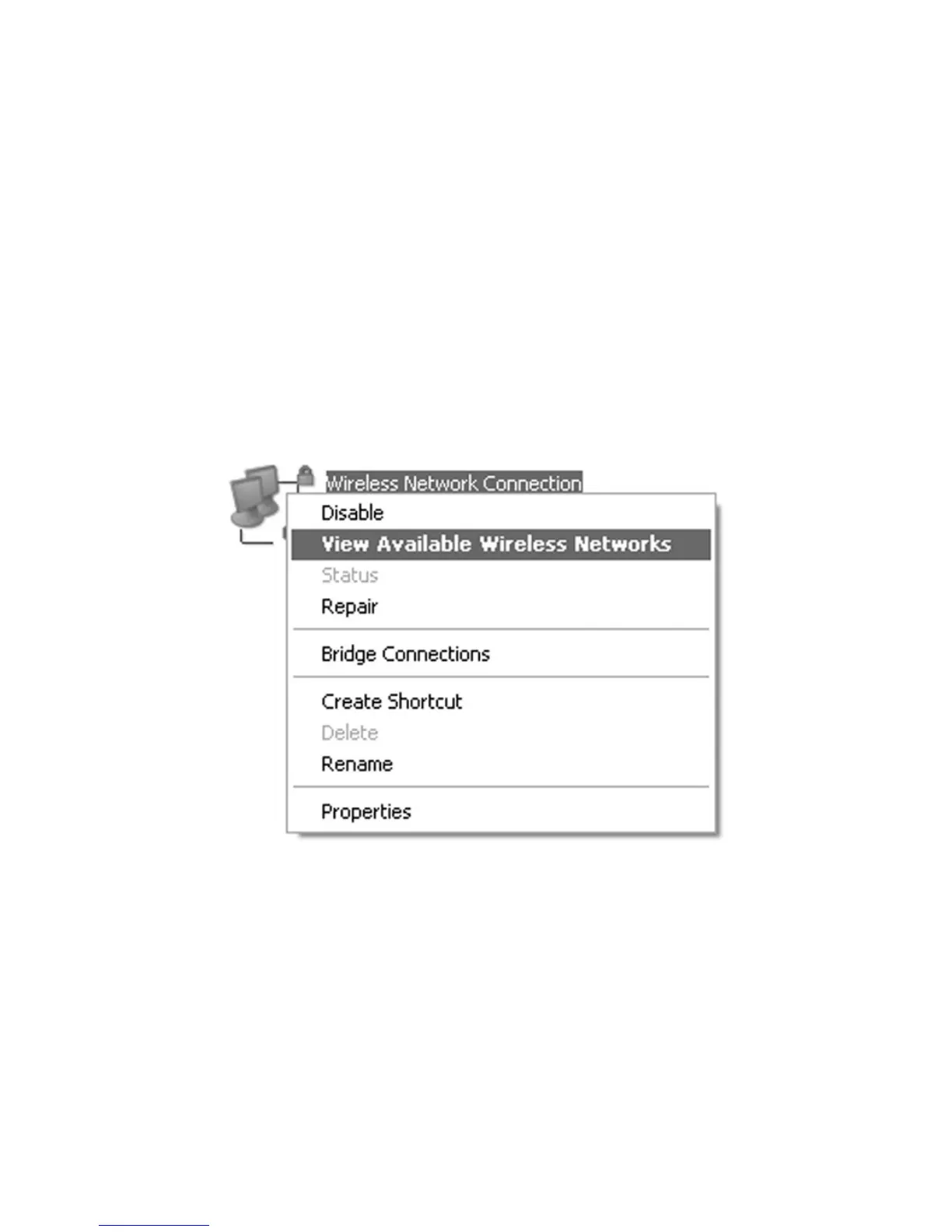
2. Use your normal Wi-Fi application on the client to
search for the available wireless networks.
NOTE: Please set the client to obtain an IP address
automatically referring to the chapter “Configuring your
PC”, and then the client will get an IP address like
“192.168.0.101”.


 To Next Page