EasyManua.ls Logo

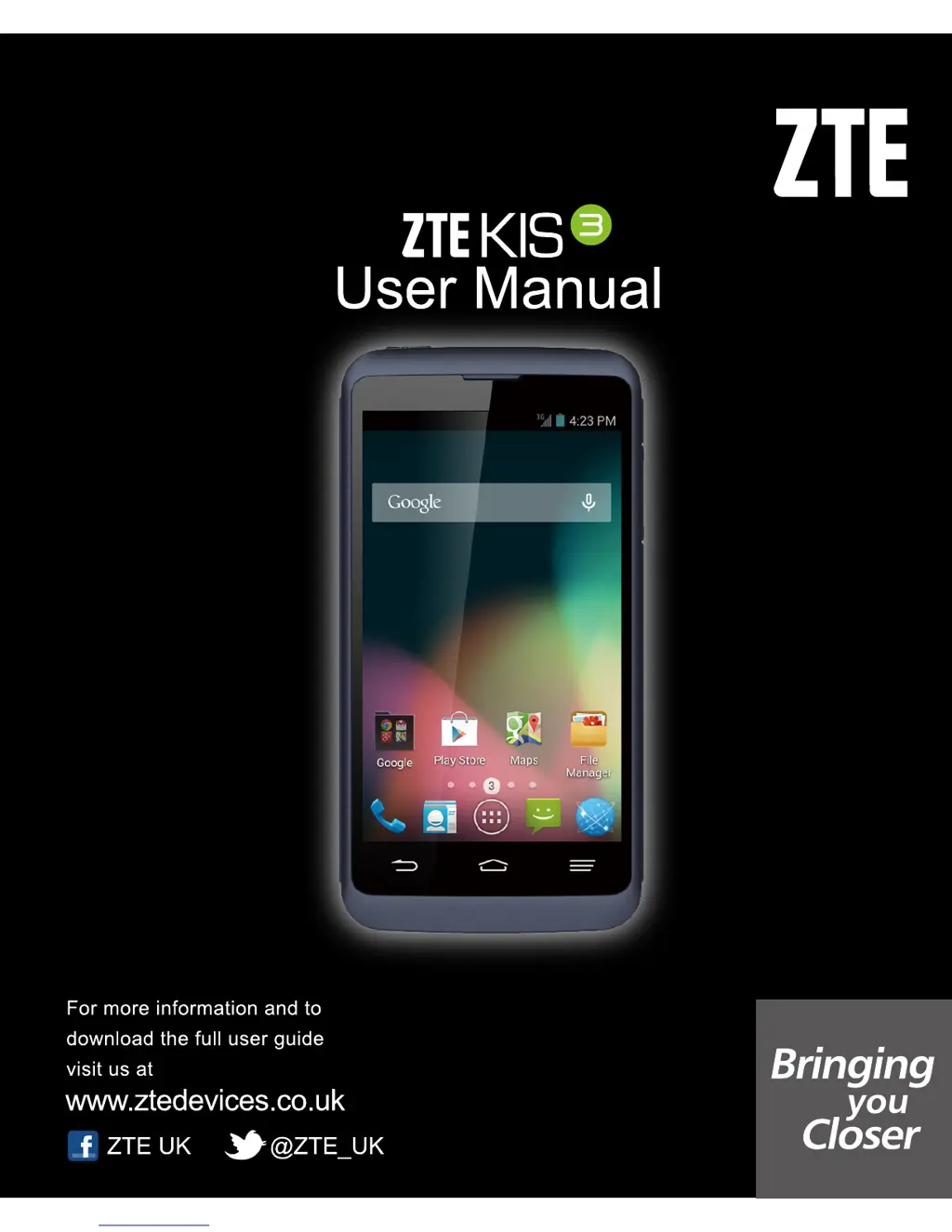
Zte kis - User Manual

Zte kis
176 pages
Print Icon
To Next Page IconTo Next Page
Loading...

Table of Contents

Questions and Answers

  • A
    Angela KimAug 16, 2025
    How to fix 'Unable to connect to the network' on Zte kis Cell Phone?
    • B
      brettstanleyAug 17, 2025
      If your Zte Cell Phone is unable to connect to the network, the SIM card may be invalid, so you should contact your service provider. Alternatively, you may be outside of the network's service area; check with your provider to confirm. A poor signal could also be the cause; try moving to an open space or closer to a window if you're indoors.
  • F
    felicia48Aug 19, 2025
    What to do if my Zte kis battery is not charging?
    • D
      David JohnsonAug 19, 2025
      If your Zte Cell Phone battery isn't charging, it could be due to several reasons. The battery or charger might be damaged, in which case you should contact the dealer. Another possibility is that the phone's temperature is too low (below 0 °C) or too high (above 45 °C); adjust the charging environment accordingly. Also, check the connections between the battery and charger to ensure they are properly made.
  • A
    Amber DominguezAug 22, 2025
    Why does my Zte kis have shortened standby time?
    • D
      Douglas PearsonAug 22, 2025
      Shortened standby time on your Zte Cell Phone can be due to several factors. The standby time depends on your service provider's system configuration. Also, depleted batteries or high-temperature environments can shorten battery life, so you should use a new battery. Furthermore, if the phone struggles to connect to the network, it continuously searches for a base station, consuming battery power. To address this, change your location to an area with network access or temporarily turn off your phone. If you are located in an area where signaling is weak, temporarily power off the phone.
  • W
    Wendy PollardAug 25, 2025
    How to fix a Zte kis Cell Phone that cannot be turned on?
    • T
      teresa54Aug 25, 2025
      If your Zte Cell Phone cannot be turned on, the battery power has likely been depleted. Recharge the phone’s battery.
  • A
    Amanda GarrettAug 27, 2025
    Why does my Zte kis Cell Phone have echo or noise during calls?
    • R
      Rachel RuizAug 27, 2025
      Echo or noise during calls on your Zte Cell Phone can be due to poor network link quality or poor local telephone line quality on the part of your service provider. To resolve this, end the call and dial again. This may switch you to a better-quality network link or phone line.
  • E
    elizabethrichardsonAug 30, 2025
    What to do if my Zte kis Cell Phone shows a SIM card error?
    • L
      Lee LynchAug 30, 2025
      If your Zte Cell Phone displays a SIM card error, the SIM card may have malfunctioned or been damaged; take it to your service provider for testing. Ensure the SIM card is inserted properly. Also, check for debris on the SIM card contacts and clean them with a soft, dry cloth if necessary.
  • J
    Jennifer JamesSep 1, 2025
    Why can't I make outgoing calls on my Zte Cell Phone?
    • D
      donna52Sep 2, 2025
      If you cannot make outgoing calls on your Zte Cell Phone, you may have activated the Call barring feature. To deactivate it, in the dialer, touch the Menu Key > Settings > Call Barring Settings, and then select Deactive All. Alternatively, you might have activated the Fixed dialling numbers feature. To disable it, in the dialer, touch the Menu Key > Settings > Fixed Dialling Numbers and disable it.
  • J
    joe57Sep 4, 2025
    Why am I unable to select certain features on my Zte kis Cell Phone?
    • A
      abigail07Sep 5, 2025
      If you are unable to select certain features on your Zte Cell Phone, your service provider may not support these features, or you have not applied for services that provide these features. Contact your service provider to resolve this.
  • S
    Shelly HillSep 7, 2025
    Why can't I answer incoming calls on my Zte Cell Phone?
    • D
      Douglas NguyenSep 7, 2025
      If you cannot answer incoming calls on your Zte Cell Phone, you may have activated the Call barring feature. To deactivate it, in the dialer, touch the Menu Key > Settings > Call Barring Settings, and then select Deactive All.
  • W
    Wayne GarciaSep 10, 2025
    What to do if my Zte kis Cell Phone's PIN code is blocked?
    • C
      Caleb AguilarSep 10, 2025
      If your Zte Cell Phone's PIN code is blocked, it is because you have entered an incorrect PIN code three consecutive times. Contact your service provider. If the service provider provides the SIM card’s PUK code, use the PUK code to unlock the SIM card.

Summary

Getting Started with Your ZTE Kis 3

Getting to Know Your Phone

Identifies the physical buttons, ports, and screen components of the ZTE Kis 3 phone.

Knowing the Keys

Explains the function of each physical key on the ZTE Kis 3, including Power, Home, Menu, Back, and Volume keys.

Installing the SIM Card and Battery

Step-by-step guide for inserting SIM cards and batteries into the ZTE Kis 3 phone.

Charging the Battery

Instructions on how to charge the ZTE Kis 3 battery, including important warnings and tips.

Using the Touch Screen

Details various touch gestures like touch, touch and hold, swipe, drag, pinch, and rotate for phone interaction.

Personalizing Your Phone

Changing the System Language

Guide to changing the language and input settings on the ZTE Kis 3 for user preference.

Setting the Date and Time

Instructions for setting the date, time, and time zone on your ZTE Kis 3 phone.

Changing Ringtone and Notification Sound

How to customize ringtones and notification sounds for calls and alerts on the ZTE Kis 3.

Protecting Your Phone With Screen Locks

Guide to setting up screen locks (Pattern, PIN, Password) for phone security.

Knowing the Basics

Monitoring the Phone Status

Explains status bar icons for network, battery, connectivity, and other phone indicators.

Managing Notifications

Details notification icons and how to manage alerts for new messages, events, and app updates.

Managing Shortcuts and Widgets

How to add, move, remove, and resize shortcuts and widgets on the home screen.

Entering Text

Information on using the onscreen keyboard and voice typing for text input.

Connecting to Networks and Devices

Connecting to Mobile Networks

How to select network operators and control mobile data usage on the ZTE Kis 3.

Connecting to Wi-Fi

Steps to turn on Wi-Fi, connect to networks, and get notified of open networks.

Connecting to Bluetooth Devices

Pairing and managing Bluetooth devices for wireless connectivity and data transfer.

Connecting to Your Computer via USB

Guide to connecting the phone to a PC via USB for file transfer and other modes.

Phone Calls

Placing and Ending Calls

Instructions for making and ending phone calls, including dialing and call management.

Answering or Rejecting Calls

How to answer, reject, or reject with a text message for incoming calls.

Working With the Call Log

Managing call history, including redialing, returning calls, and adding contacts.

Calling Your Contacts

Procedures for calling contacts from the phonebook and managing favorites.

People

Checking Contact Details

How to view and navigate through the contact list and view individual contact details.

Adding a New Contact

Guide to creating and saving new contacts with their information.

Importing, Exporting, and Sharing Contacts

Methods for importing, exporting, and sharing contact information from/to SIM, storage, or other devices.

Email

Setting Up the First Email Account

Step-by-step guide to configuring an email account on the ZTE Kis 3.

Checking Your Emails

How to check new emails automatically or manually and load older messages.

Writing and Sending an Email

Guide to composing, attaching files, and sending new email messages.

Messaging

Opening the Messaging Screen

Accessing the messaging application to send, receive, and search for text messages.

Sending a Message

Steps for composing and sending text and multimedia messages, including adding recipients.

Replying to a Message

How to reply to existing message threads or send MMS replies.

Camera

Capturing a Photo

Guide to taking photos, including aiming, adjusting settings, and using the shutter button.

Customize Camera Settings

Options for customizing camera settings like grid, self-timer, white balance, ISO, and image size.

Recording a Video

Steps to record videos using the camcorder, including aiming and making adjustments.

Music

Copying Music Files to Your Phone

Methods for transferring music files from a computer or downloading from the internet.

Viewing Your Music Library

How to browse music by albums, artists, songs, playlists, and genres.

Playing Music

How to listen to music, control playback, and manage favorite songs.

Managing Playlists

Steps to create, add songs to, remove songs from, and delete playlists.

Troubleshooting

Poor reception

Solutions for weak network signals, busy networks, or being too far from a base station.

Battery not charge

Solutions for battery charging issues, including damaged chargers or temperature problems.

SIM card error

Steps to resolve issues related to SIM card malfunction, damage, or improper insertion.

Phone crashes, reboots, freeze, or cannot be powered on

Solutions for phone instability, including software compatibility and factory reset.

For Your Safety

General Safety

Important safety precautions for phone use, driving, handling, and environmental factors.

Radio Frequency (RF) Exposure

Information on SAR, RF energy, and guidelines for limiting exposure.

Distraction

Warnings about using the phone while driving or operating machinery.

Product Handling

Guidelines for safe handling, care, cleaning, and avoiding damage to the phone.

Zte kis Specifications

General IconGeneral
NetworkGSM / HSPA
3G bandsHSDPA 900 / 2100
GPRSYes
EDGEYes
SIMMini-SIM
ChipsetQualcomm MSM7225A Snapdragon S1
GPUAdreno 200
RAM256 MB
Internal Storage512 MB
Main Camera3.15 MP
VideoYes
Selfie CameraNo
Alert typesVibration; MP3, WAV ringtones
LoudspeakerYes
3.5mm jackYes
GPSYes, with A-GPS
RadioFM radio
SensorsAccelerometer, proximity
MessagingSMS(threaded view), MMS, Email, Push Email, IM
BrowserHTML
JavaYes, via Java MIDP emulator
ColorsBlack
Announced2012, June
StatusDiscontinued
2G bandsGSM 900 / 1800 / 1900
SpeedHSPA
TypeTFT touchscreen
OSAndroid 2.3 (Gingerbread)
CPU800 MHz
Card slotmicroSD
WLANWi-Fi 802.11 b/g
Bluetooth2.1, A2DP
USBmicroUSB v2.0
BatteryLi-Ion 1200 mAh battery
Stand-byUp to 200 h

Related product manuals