Page 16 of 32
SETTINGS > WI-FI SETTINGS > ADVANCED SETTINGS
• You can change the Wi-Fi settings to suit your personal choices or for specific
requirements of your attached devices.
• Press Apply to save your changes
• Press the Help icon to get in context tips
SETTINGS > WI-FI SETTINGS > WPS
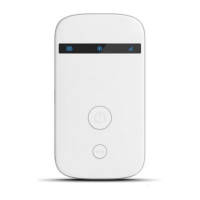
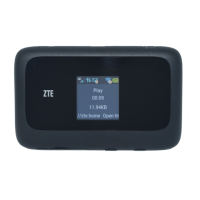
• WPS uses the push button on the front panel to connect seamlessly to


 To Next Page