13
Touch to see the recently used apps.
Touch to go to the previous screen.
Press or hold either end to turn the volume up or down.
NOTE:
The positions of the Recent apps key and the Back key are
interchangeable through the Home key >
>
Settings >
Navigation key.
Installing the micro-SIM Cards and the
Battery
Switch off your phone before installing or replacing the battery or
the micro-SIM cards.
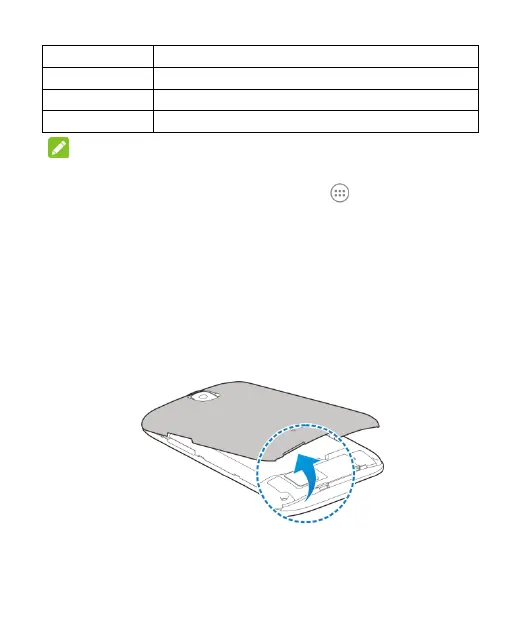
1. Insert your fingernail into the slot at the bottom left of the back
cover and lift it up gently.
2. Hold the micro-SIM card with the cut corner oriented as
shown and slip it into the card holder.



 To Next Page