34
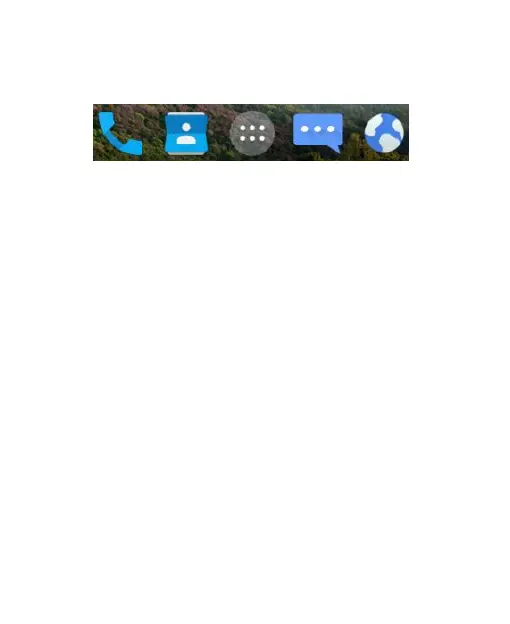
the bottom visible from all home screen panels. You can keep at
most five items in the area. Drag icons or folders in or out of the
area to rearrange it.
Entering Text
You can enter text using the onscreen keyboard. Some apps
open it automatically. In others, you open it by touching where
you want to type. You can touch the Back key to hide the
onscreen keyboard.
Google Keyboard
The Google Keyboard provides a layout similar to a desktop
computer keyboard. Turn the phone sideways and the keyboard
will change from portrait to landscape. The landscape keyboard
is not supported in all applications.



 To Next Page