35
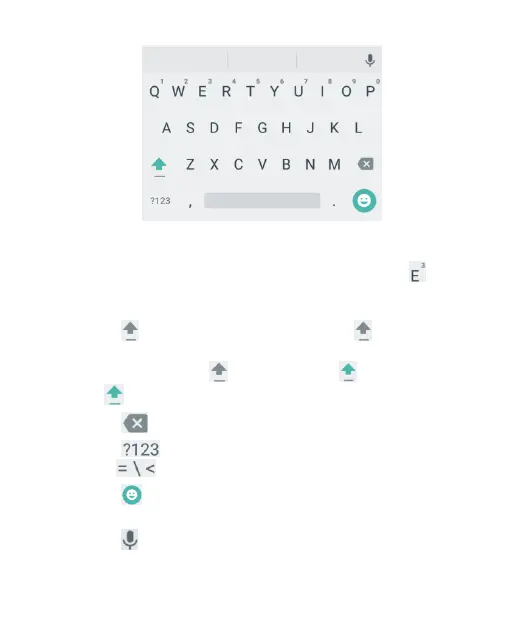
Touch the alphabetic keys to enter letters. Touch and hold
some specific keys to enter associated accented letters or
numbers. For example, to enter È, touch and hold and
the available accented letters and number 3 appear. Then
slide to choose è.
Touch to use uppercase. Double-tap to lock
uppercase. This key also changes to indicate the current
case you are using: for lowercase, for uppercase,
and when locked in uppercase.
Touch to delete the text before the cursor.
Touch to select numbers and symbols. You can then
touch to find more.
Touch to enter miniature icons, such as expressions,
horoscopes, and animals.
Touch to use Google voice typing.



 To Next Page