16
If the battery is low, there will be a pop-up message on the
screen. As you charge your phone, the screen will tell you the
exact battery level on the lock screen. See Locking/Unlocking the
Screen and Keys.
WARNING!
Use only ZTE-approved chargers and cables. The use of
unapproved accessories could damage your phone or cause the
battery to explode.
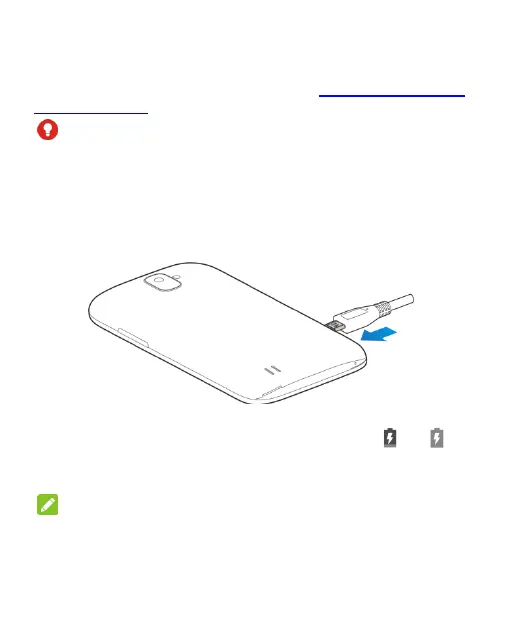
1. Connect the adapter to the charging jack. Ensure that the
adapter is inserted with the correct orientation. Do not force
the connector into the charging jack.
2. Connect the charger to a standard AC power outlet. If the
phone is on, you’ll see a charging icon, such as
or ,
appear on the status bar.
3. Disconnect the charger when the battery is fully charged.
NOTE:
If the battery is extremely low, you may be unable to power on
the phone even when it is being charged. In this case, try again
after charging the phone for at least 20 minutes. Contact



 To Next Page